Article
Standardizing Recurring Work with Templates in Alios
Starting from scratch every time wastes time and quality. Standardize your release, content, and sales processes with a recurring task template in Alios.
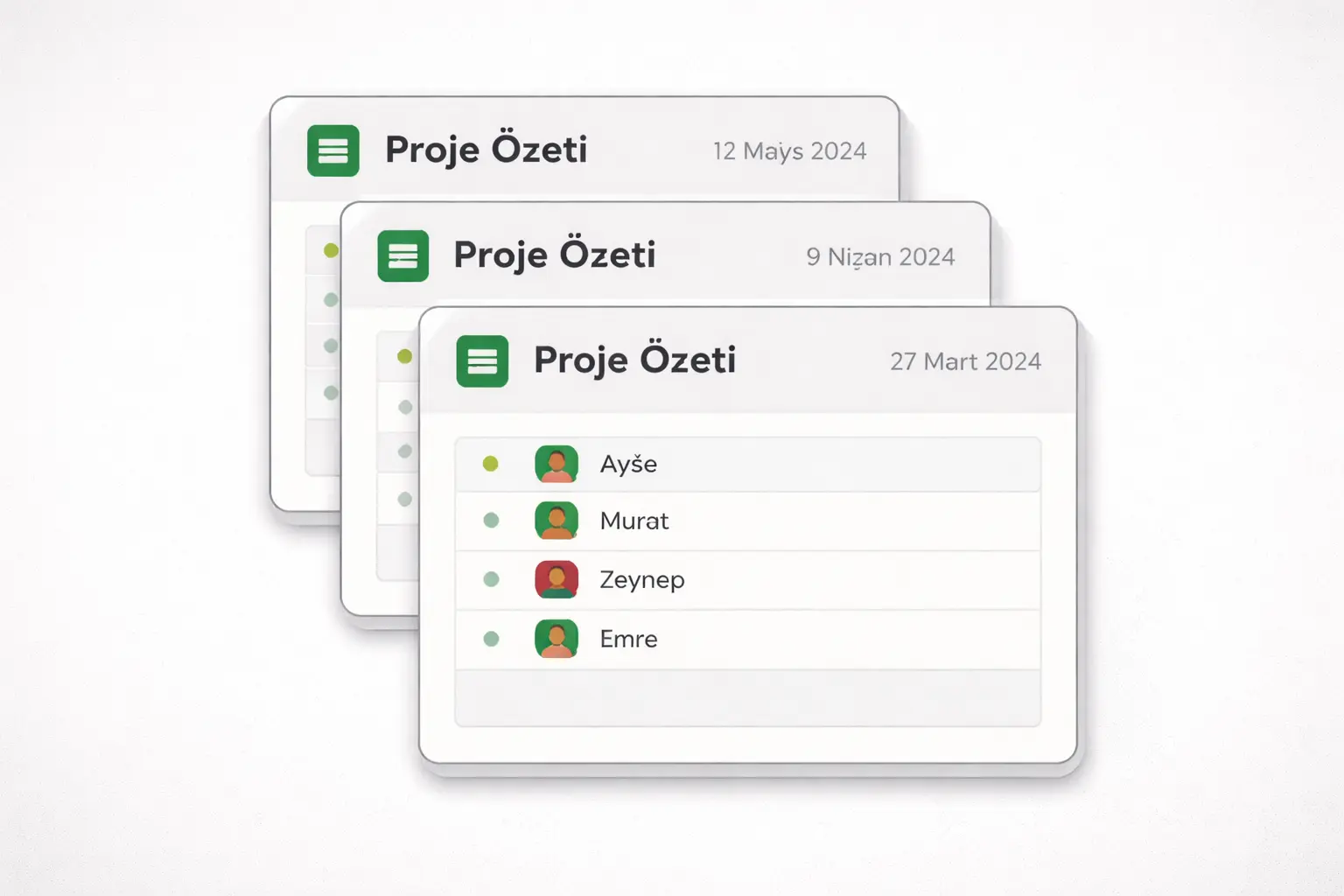
Standardizing Recurring Work with Templates in Alios
Every two weeks, the same release process. Every Monday, the same content preparation. For every new client, the same onboarding steps. All of these are recurring work — and in most startups, every cycle brings something forgotten, someone doing it differently, or time wasted figuring out who's responsible.
The problem with recurring work isn't that it's complicated. It's that it isn't standardized. A recurring task template is exactly what addresses this.
Why Recurring Operations Fall Apart
Think about a release process. The first few times it runs, every step is remembered because it's fresh in memory. By the third or fourth time, the team shifts into "we already know this" mode. That's when small steps start getting skipped. Staging tests get forgotten, changelogs go out without updates, client notifications get pushed to the next day.
The same thing happens in content production. The decision is made that a blog post will go out this week, but who does the research, who writes it, who publishes it — that gets discussed again every single week. Because there's no standard, every cycle requires coordination from scratch.
In the sales process, follow-up rhythms that vary by client, incomplete demo notes, forgotten proposal follow-ups — all of these trace back to the absence of a standard flow.
The common thread: the work gets done, but how it gets done changes from person to person and week to week. That variability both lowers quality and creates unnecessary coordination overhead.
The Template and Copy Logic in Alios
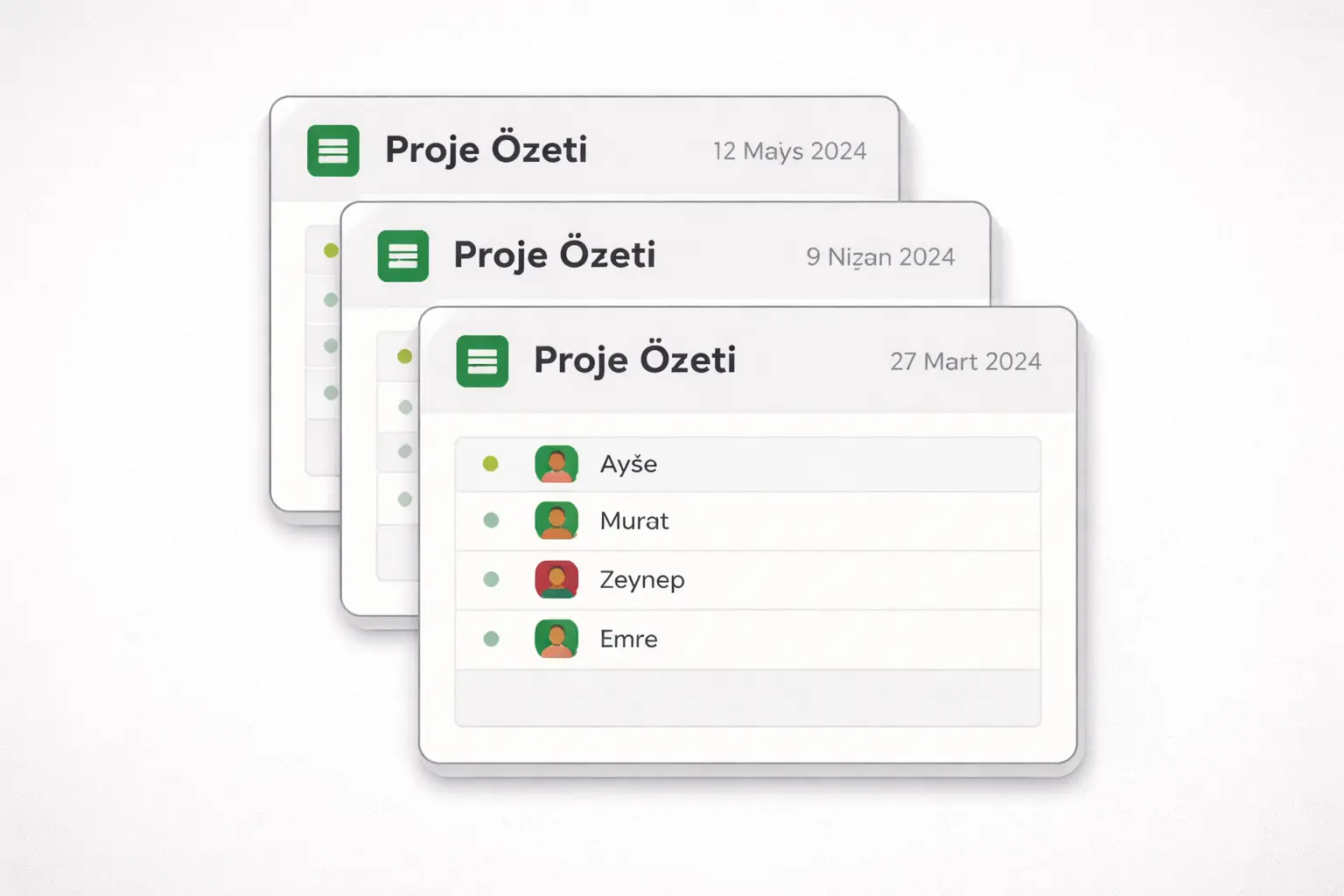
The way to standardize recurring work in Alios is to build a recurring task template node and copy it for each new cycle.
The logic works like this: you set up a process correctly once — including steps, owners, descriptions, and file references. This node stays as the template. For every new cycle — every release, every content week, every new client — you copy that template and update the date and name. You're not starting from scratch.
This approach has three concrete benefits.
Memory moves from people into the system. Even if the person who knows the process leaves the company, the steps remain in the node. Someone new can continue at the same quality level.
Skipped steps become visible. An uncompleted node inside the checklist immediately stands out. There's no need to ask "did we test staging?" — the node stays open.
The process becomes improvable. Each cycle, when someone notices "that step was unnecessary" or "let's add one more step here," it gets written into the template. Over time the process matures on its own.
Template Examples for Three Different Processes
Release Checklist Template
📁 Release [Version] — [Date]

- [ ] Testing completed in staging environment
- [ ] Critical bug list reviewed
- [ ] Changelog updated
- [ ] Relevant documentation updated
- [ ] Internal team notification sent
- [ ] Client notification sent
- [ ] Sign-off received for go-live
- [ ] Smoke test completed in production
- [ ] 24-hour post-release monitoring started

📎 Node description: Known risks and points of
attention, if any
Content Production Template
📁 Content — [Title] — [Publish Date]

- [ ] Topic and keyword confirmed
- [ ] Research completed
- [ ] Draft written
- [ ] Internal review done
- [ ] Revisions completed
- [ ] Visual prepared
- [ ] SEO checklist passed
- [ ] Published
- [ ] Shared on social media
- [ ] Performance tracking started

📎 Node description: Target audience, key message,
distribution channels
New Client Onboarding Template
📁 Client Onboarding — [Client Name] — [Start Date]

- [ ] Contract signed, copy attached
- [ ] Welcome email sent
- [ ] Kick-off meeting scheduled
- [ ] Access permissions configured
- [ ] First delivery dates confirmed
- [ ] Responsible team member assigned
- [ ] First-week check-in completed
- [ ] Client feedback collected

📎 Node description: Client expectations, special
notes, communication preferences
Keeping the Template Alive
Once a template is set up and forgotten, it goes stale — and starts containing steps that no longer match reality. The fix is simple: spend 5 minutes looking at the template at the end of each cycle.
"Was this step unnecessary?" → Remove it from the template. "Was there something missing this time?" → Add it to the template. "Was this step's description not clear enough?" → Update it.
When the template node is updated in Alios, the next copy automatically carries the new version. The process grows with the team.
Final Thought
Doing recurring work from scratch every time doesn't just waste time — it also leaves quality as a random variable. Results shift depending on who does it, what they remember that day, and how busy the team is.
Building a recurring task template in Alios and copying it removes that variability. The process becomes independent of any individual, skipped steps become visible, and each cycle becomes slightly better than the last.
Standardizing isn't a big investment. Think it through once, write it down once, copy it every time. That's enough.



