Article
SME Prioritization: Alios Urgent-Important Matrix Guide
Stop drowning in work. Learn how to use Alios labels and filters to prioritize tasks effectively and boost your SME's operational efficiency today.
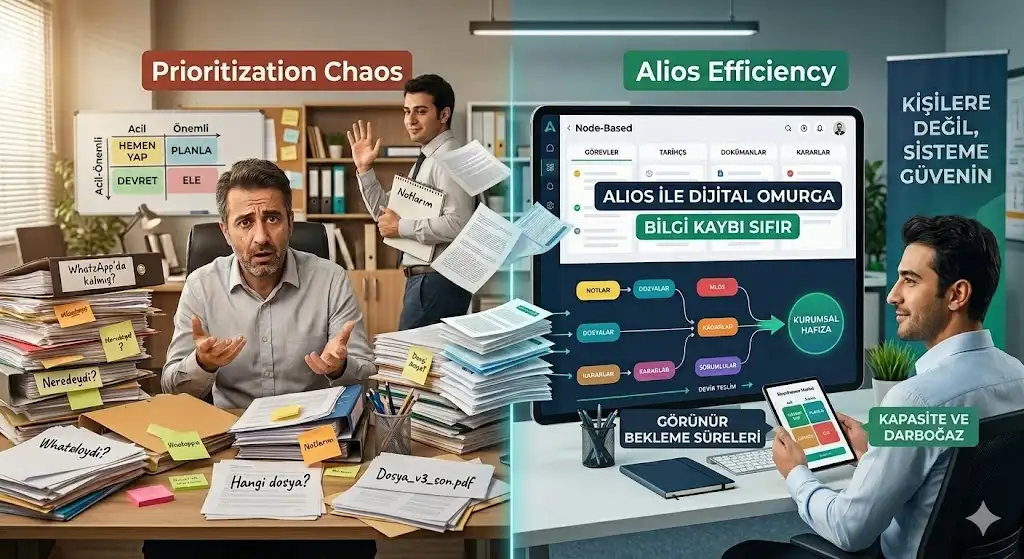
Prioritization for SMEs: Task List Management with the Urgent-Important Matrix
For an SME (Small and Medium-sized Enterprise) owner or manager, starting the workday often feels like entering a battlefield. Dozens of unread messages, emails marked "urgent," technical glitches, and sudden customer demands all compete for immediate attention. If everything is treated as a "top priority," then in reality, nothing is a priority. This constant state of emergency not only skyrockets stress levels but also paralyzes the strategic growth and profitability of the business.
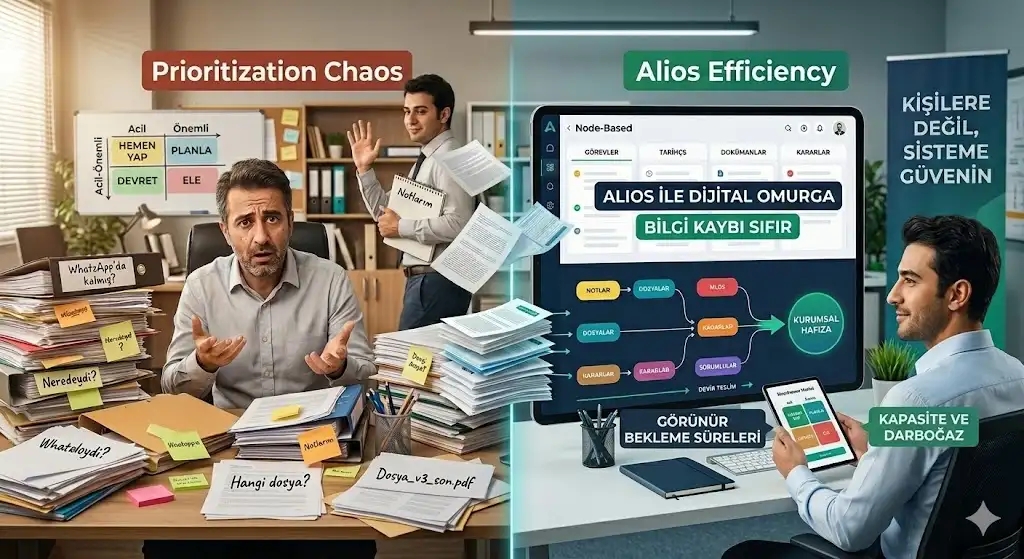
Alios transforms the classic Eisenhower Matrix (Urgent-Important Matrix) into a digital discipline to pull SMEs out of this "priority chaos." Here is how you can master your time and focus on what truly matters using Alios.
1. Understanding the Eisenhower Matrix (The SME Perspective)
This time-management tool categorizes every task into four quadrants, dictating how much energy and time should be allocated to each:
Urgent and Important (Do First): Crises that must be resolved today, projects with immediate deadlines, or equipment failures.
Important but Not Urgent (Schedule): Strategic planning, team training, process improvement, and relationship building. This is where the growth of an SME happens.
Urgent but Not Important (Delegate): Routine reports, most emails, and meetings that require presence but not necessarily your unique expertise.
Neither Urgent nor Important (Eliminate): Time-wasters, excessive social media browsing, and minor busy work that adds no value.
2. Implementation with Alios: Filtering the Noise
The flexible architecture of Alios allows you to implement this matrix without complex spreadsheets or paper lists.
A. Categorizing with Labels
Create specific labels in Alios for every Node (task unit) to define its weight:
#CRISIS: For Urgent and Important tasks that require immediate action.
#STRATEGY: For Important but Not Urgent tasks that drive the company's future.
#ROUTINE: For tasks that are urgent but can be delegated to others.
B. Live Status Tracking
Alios’s status management helps you visualize where your priorities stand:
WAKLIYOG (Waiting): Spot when a high-priority task is stuck on an approval and intervene immediately.
REVIEW (In-Review): Identify critical tasks waiting for quality control and move them to the front of the line.
C. Advanced Filtering and Views
Use Alios's filtering features to clear the clutter. Spend the first two hours of your day viewing only the #CRISIS nodes. For "Important but Not Urgent" tasks, use the Calendar View to ensure they are scheduled and not forgotten.
3. The Three Golden Rules of Prioritization
RuleHow to Apply in AliosResultThe Rule of 3Mark only 3 main Nodes as "High Priority" each day.Sharp focus without being overwhelmed.Learn to DelegateAssign (Assignee) "Urgent but Not Important" tasks to team members.Reduced burden on the manager’s shoulders.Visual TrackingUse the Dashboard to monitor completion percentages.A sense of progress and increased motivation.
4. Conclusion: From Firefighting to Business Management
Many SME managers spend their entire lives "firefighting." Alios provides you with the clarity to see which fires need to be extinguished personally and which can be managed by the system. Prioritization is not an innate talent; it is a discipline applied with the right tools. When you categorize your tasks in Alios, you stop wasting energy on "noise" and start investing it in "impact."



