Article
AEC Delay Prevention: Proactive Early Warnings with Alios Nodes
AEC Delay Prevention: Stop the last-minute panic. Alios uses Node dependencies and Velocity Analysis to predict project delays weeks in advance. Foresee and fix.
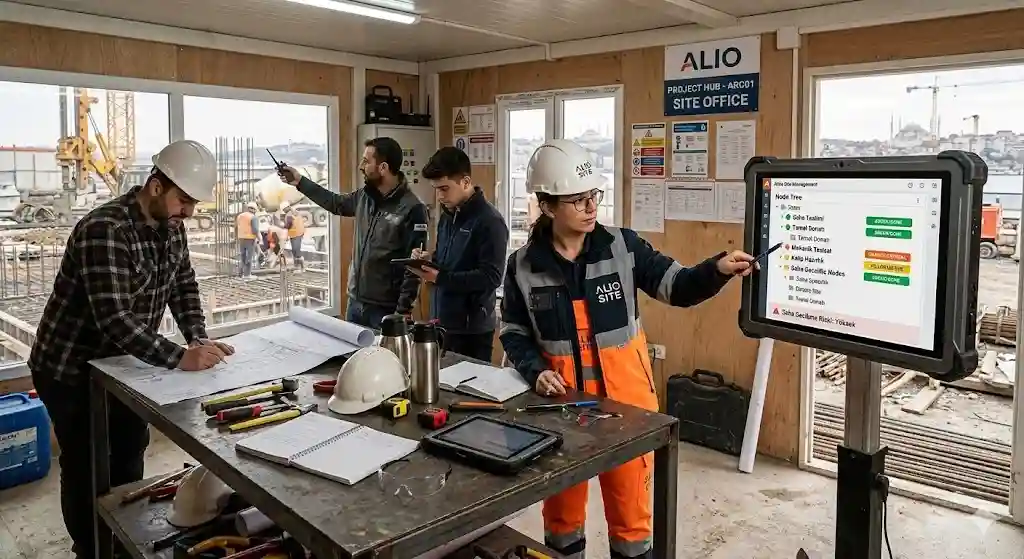
Foreseeing Project Delays: An Early Warning System for Architecture and Engineering
In the world of architecture and engineering, a "deadline" is more than just a date; it represents a firm’s reputation, cash flow, and legal liability. However, as projects grow, predicting a delay becomes nearly impossible. Most offices realize a project will be late only 24 hours before delivery. This "reactive" management is unsustainable.
Alios offers a Proactive Early Warning System. Predicting delays weeks in advance isn't magic—it’s data. Here is how Alios safeguards your deliveries.
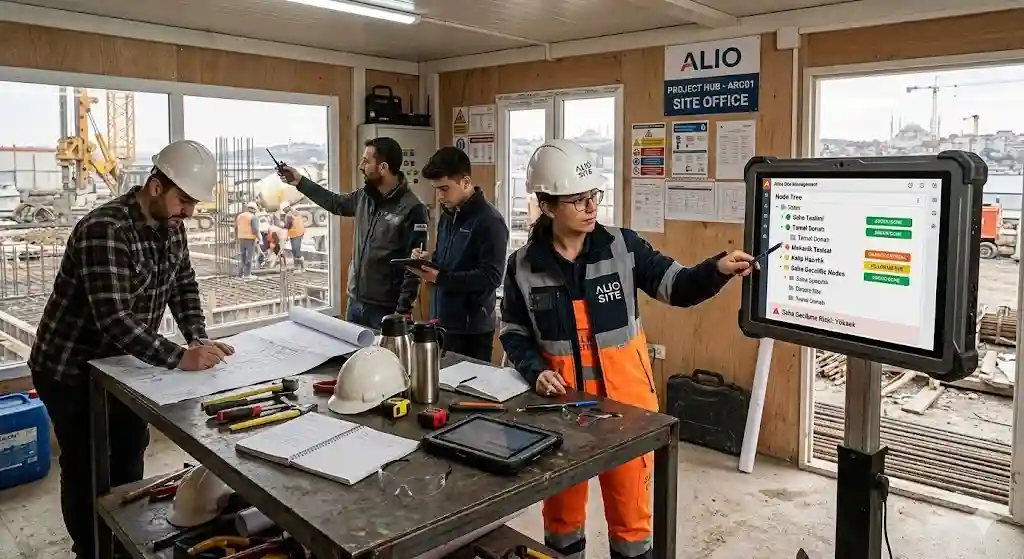
1. The Anatomy of a Delay: Why is it Noticed Late?
Delays are the result of small, invisible accumulations. Traditional systems fail for three reasons:
A. Ghost Backlog: Only the individual knows their true workload. A task marked "In Progress" could be at 10% or 90% completion, but dashboards can't tell the difference.
B. Static Calendars: Manual Gantt charts are rigid. Calculating how a 2-day delay today impacts a delivery in 3 months is nearly impossible manually.
C. Broken Dependency Chains: If structural calculations are late, architectural details stall; if details stall, quantities cannot be calculated. One rusty link stops the entire machine.
2. The Alios Early Warning System: 3 Layers of Defense
Alios uses a three-tier protocol to catch delays before they manifest:
Layer I: Intelligent Dependency Tracking The Node Tree defines logical links.
Example: "Ceiling Details" depends on "Mechanical Approval."
Early Warning: The moment Mechanical is delayed by 1 day, Alios signals that the Ceiling Details are at risk, even if their deadline is a week away.
Layer II: Velocity Analysis Alios measures the speed at which nodes move from "To-Do" to "Done."
Early Warning: If a team member’s tasks usually take 2 days but have averaged 4 days over the last week, Alios sends a Capacity Alert. This is early evidence of a hidden workload or technical bottleneck.
Layer III: Critical Path Visualization Every project has "backbone" tasks that cannot be delayed without shifting the entire project. Alios marks these in red.
Early Warning: Any slight friction on the Critical Path is automatically added to the final deadline. Managers can answer "Are we on time?" with "No, at the current rate, we will finish on May 19th instead of the 15th."
3. 4 Strategic Steps to Prevent Delays
Automate Approval Cycles: 40% of delays stem from "pending approvals." In Alios, these items glow on the manager's screen. Shortening approval time directly increases project velocity.
Dynamic Resource Shifting: When a Node Tree branch is blocked, reassign underloaded staff to that area in seconds.
Monitor RFI Traffic: Unanswered questions are hidden delay sources. Tracking RFI (Request for Information) traffic shows where design is stuck.
Manage Buffer Times: Alios compares estimated time vs. actual time, allowing you to "learn" how much buffer to leave for future projects scientifically.
Conclusion: Don't Leave Delivery Dates to Chance
Architecture and engineering pay dearly for delays. Realizing a project is late on the final day is like noticing a plane crash only after it hits the ground. Alios provides the radar. Foresee delays, clear obstacles early, and strengthen your reputation with on-time delivery.



