Article
Workflow Management: Brief to Delivery with Alios
Architectural Workflow: End the chaos from brief to delivery. Alios syncs design, engineering, and site data in one Node Tree. Focus on creativity, not tracking
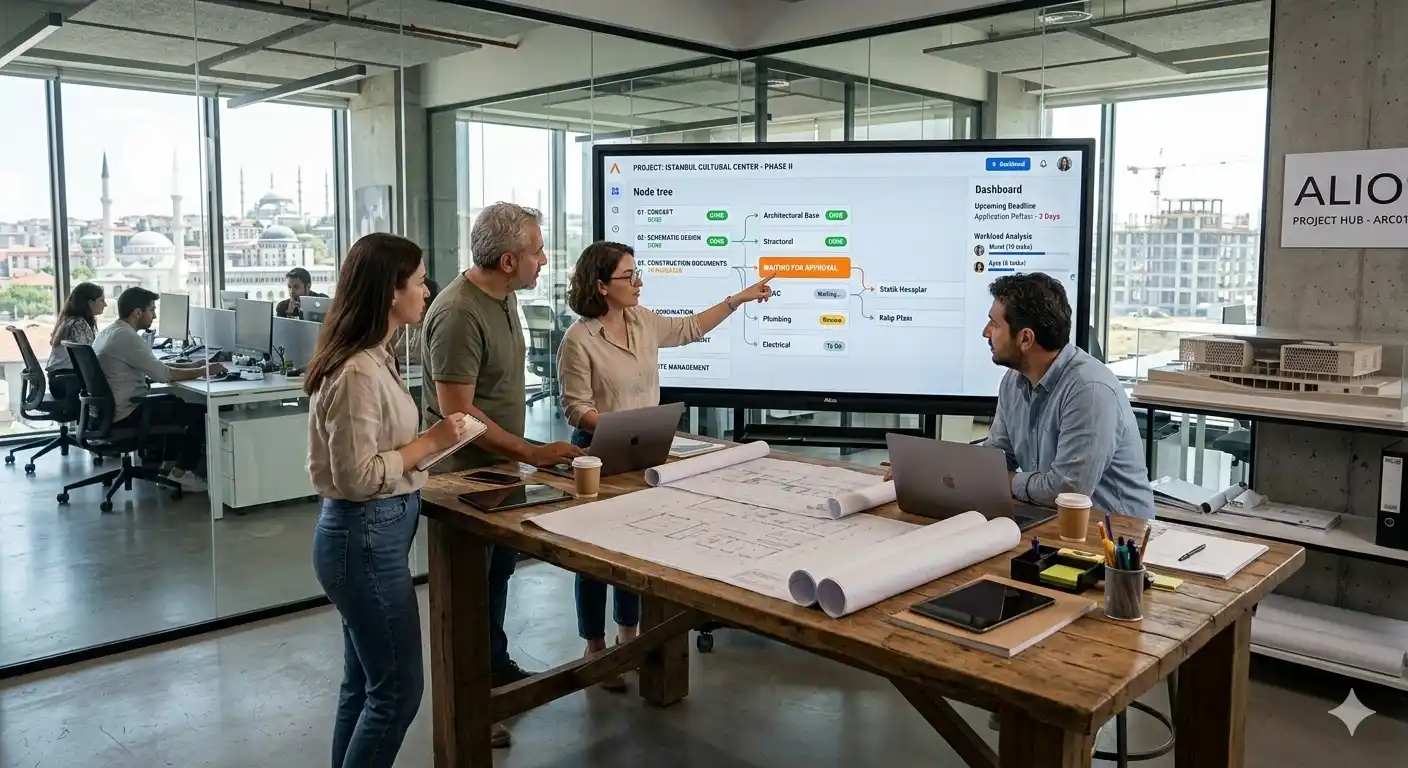
Workflow Management for Architectural Offices: A Single System from Brief to Delivery
In the world of architecture and engineering, the "process" success of a firm determines its profitability just as much as its "technical" success (aesthetics and statics). In an architectural office, work often proceeds in fragments: briefs remain stuck in meeting notes, design sketches pile up on desks, and revisions get lost in the depths of WhatsApp messages or email chains. This disjointed structure leaves critical questions unanswered at the most vital moments: "Which revision was approved?" or "Why did the client request this specific detail?"
Alios eliminates the disconnect between "communication" and "production" by gathering the entire process—from the initial brief to final delivery—into a single integrated Node Tree. Here is a comprehensive guide on how an architectural project transforms into a flawless, transparent workflow on Alios:
1. The Starting Point: Briefing and Needs Program Node
In architecture, everything begins with a correct "reading" of the requirements. However, in many offices, the briefing process remains purely verbal or gets forgotten in scattered files.
Alios Application: A top-level node titled "01. BRIEF & ANALYSIS" is created.
Content: Client requests, site data, zoning documents, and meeting audio recordings are added directly to this node’s description or attachments.
The Advantage: Even a team member joining the project months later can access the source in seconds when they ask, "Why did the client want this specific function?"
2. Concept Design and the Approval Cycle
The design phase is where revisions are most intense and where "loss of context" occurs most frequently.
Alios Application: Under the "02. CONCEPT DESIGN" parent node, sub-nodes such as Sketches, 3D Modeling, and Presentation Files are created.
Workflow: When the designer finishes the task, they switch the status to "Waiting for Approval."
The Advantage: A revision request like "Let’s enlarge the balconies" doesn't remain a fleeting chat message; it is recorded directly under the relevant design node. This ensures the "why" behind every revision is documented.
3. Permit and Construction Documentation: Interdisciplinary Coordination
This is the stage where the architectural project must align with structural, mechanical, and electrical engineering. In Excel-based tracking, it is difficult for these disciplines to work in perfect synchronization.
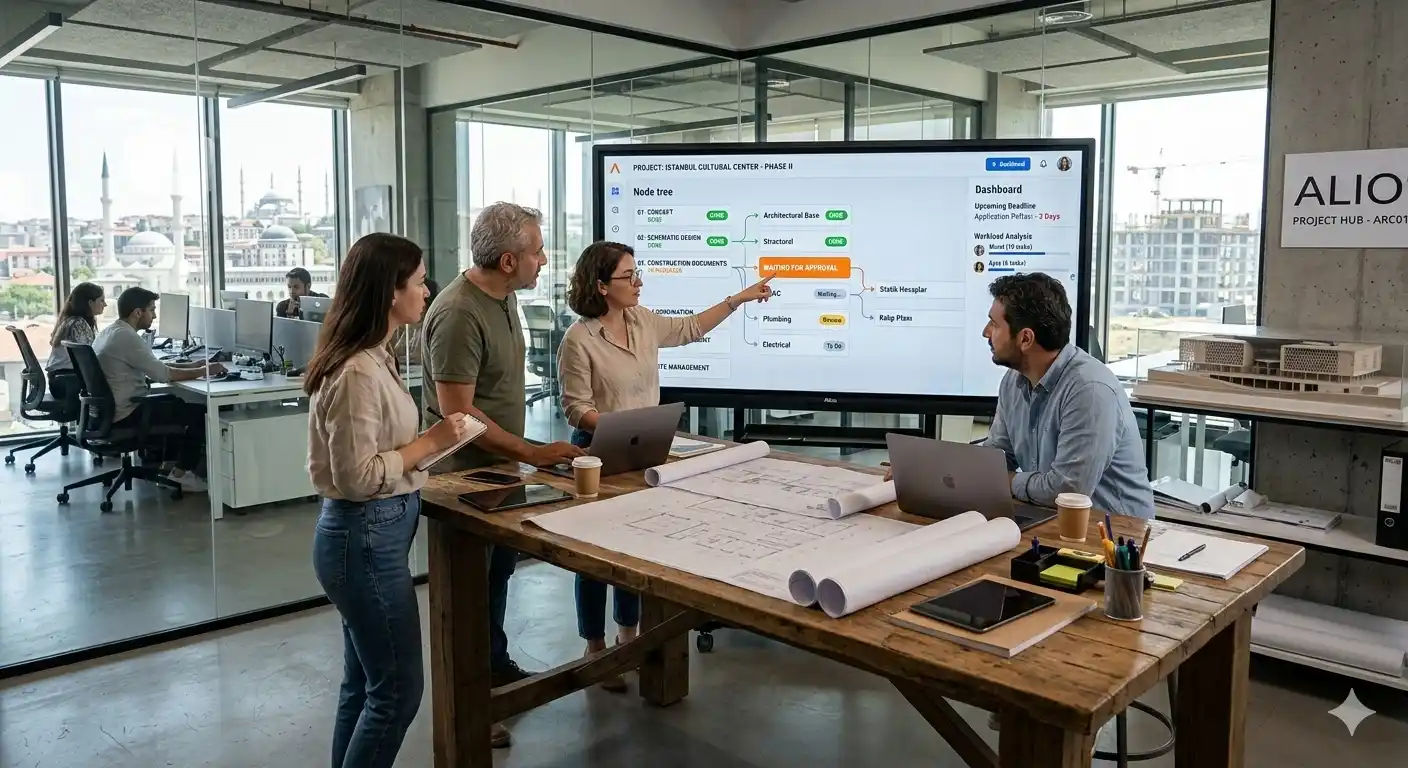
Alios Application: Dedicated branches are created for each discipline under the "03. CONSTRUCTION DOCUMENTATION" node.
Dependencies: The "Mechanical Installation" node is linked to the "Architectural Section Approval" node. The mechanical engineer cannot start work until the architectural design is finalized.
The Advantage: A delay in one discipline automatically alerts the others. No one can claim, "I wasn't aware of the change."
4. Site Supervision and Consultancy: The Office-Field Bridge
How a project drawn in the office is implemented on-site determines the reputation of the architectural firm.
Alios Application: Under the "04. SITE MANAGEMENT" node, progress payments, field reports, and daily issues are tracked.
Mobile Use: The site manager takes a photo of an error in the field and uploads it directly under the relevant node in Alios. The architect in the office sees this instantly and uploads the necessary revision back into the system.
The Advantage: Email traffic ends; the field and the office look at the same "live" data.
5. Delivery and Archiving: Protecting Corporate Memory
When a project ends, finding the location of "As-Built" projects and final files is usually a puzzle.
Alios Application: Municipality-approved projects, final renders, and client delivery protocols are uploaded to the "05. FINAL DELIVERY" node.
The Advantage: Two years later, if a client asks for a PDF of their permit project, no one has to search through old emails or hard drives.
Advantages of Establishing a "Single System" with Alios
Process StepTraditional Method (Excel/WhatsApp)Alios "Single Workflow" ModelBrief TrackingGets lost in meeting notes.Always accessible "Entry" node.RevisionsConfusion over "Which email is current?"Dated and approved history within the node.CoordinationConstant need for phone calls.Live status tracking via a visual work tree.ApprovalsVerbal and fleeting.Formalized steps via the "Done" status.
Conclusion: Transform Architecture Chaos into Data
Managing an architectural office is not just about good design; it is about managing a massive flow of information. Alios provides you with a "Control Room" to manage this flow. In a system where every step from brief to delivery is a node, every decision is a note, and every revision is documented evidence, architects can focus solely on creativity.
Rescue your projects from fragmented tools today; meet the holistic workflow of Alios and experience the peace of professional delivery.



