Article
How to Prevent Scope Creep in AI Product Development | Alios
AI speeds up coding, but it also causes projects to bloat. Learn how to use Alios for request logging, approval workflows, and change management.
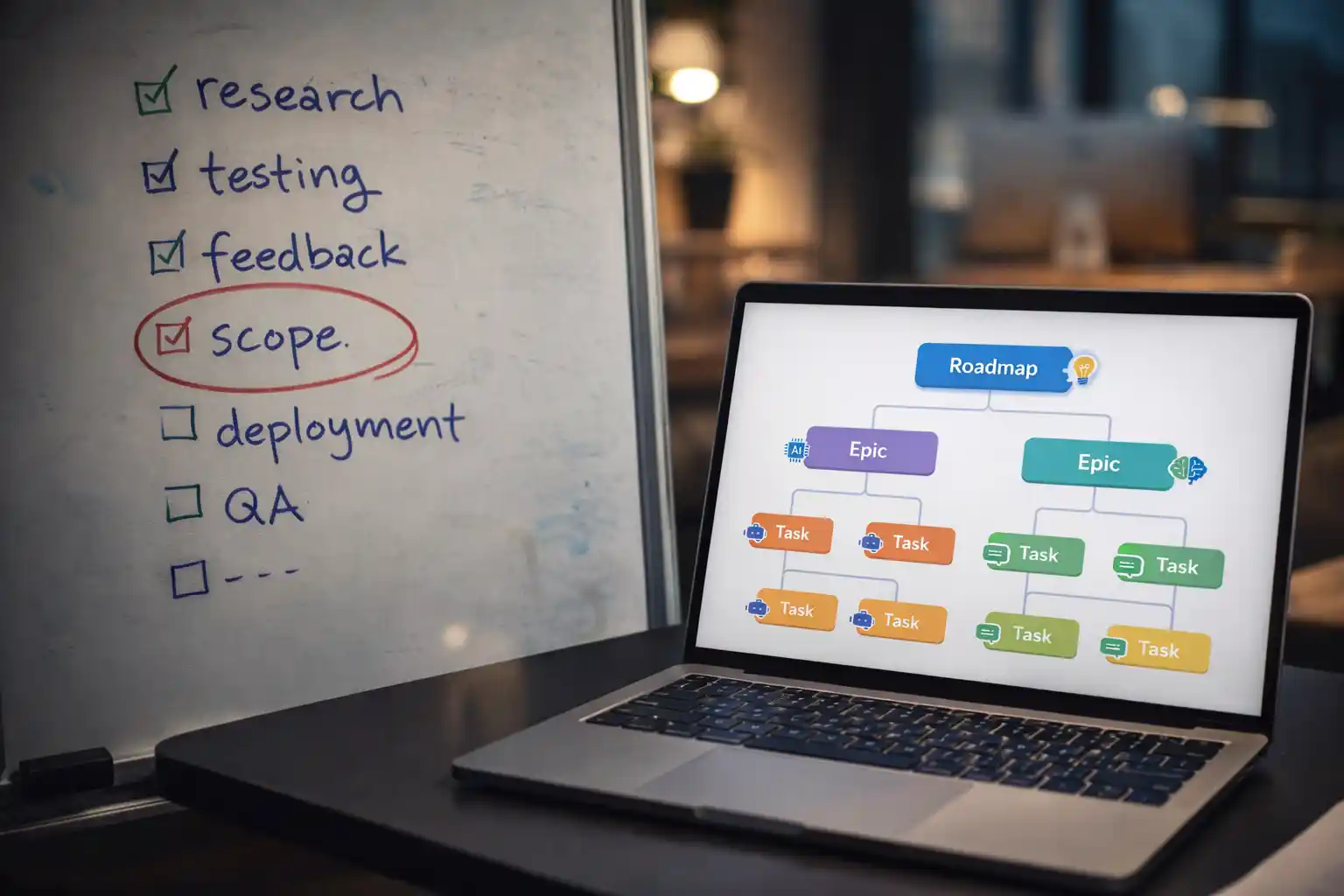
How to Prevent Scope Creep While Developing Products with AI: The Alios Strategy
In the traditional world of software development, Scope Creep—the uncontrolled expansion of a project’s boundaries—was a slow-moving killer. It happened over months of meetings and "just one more thing" requests. However, as we enter the era of AI-driven product development, this silent killer has become faster, more aggressive, and significantly more destructive.
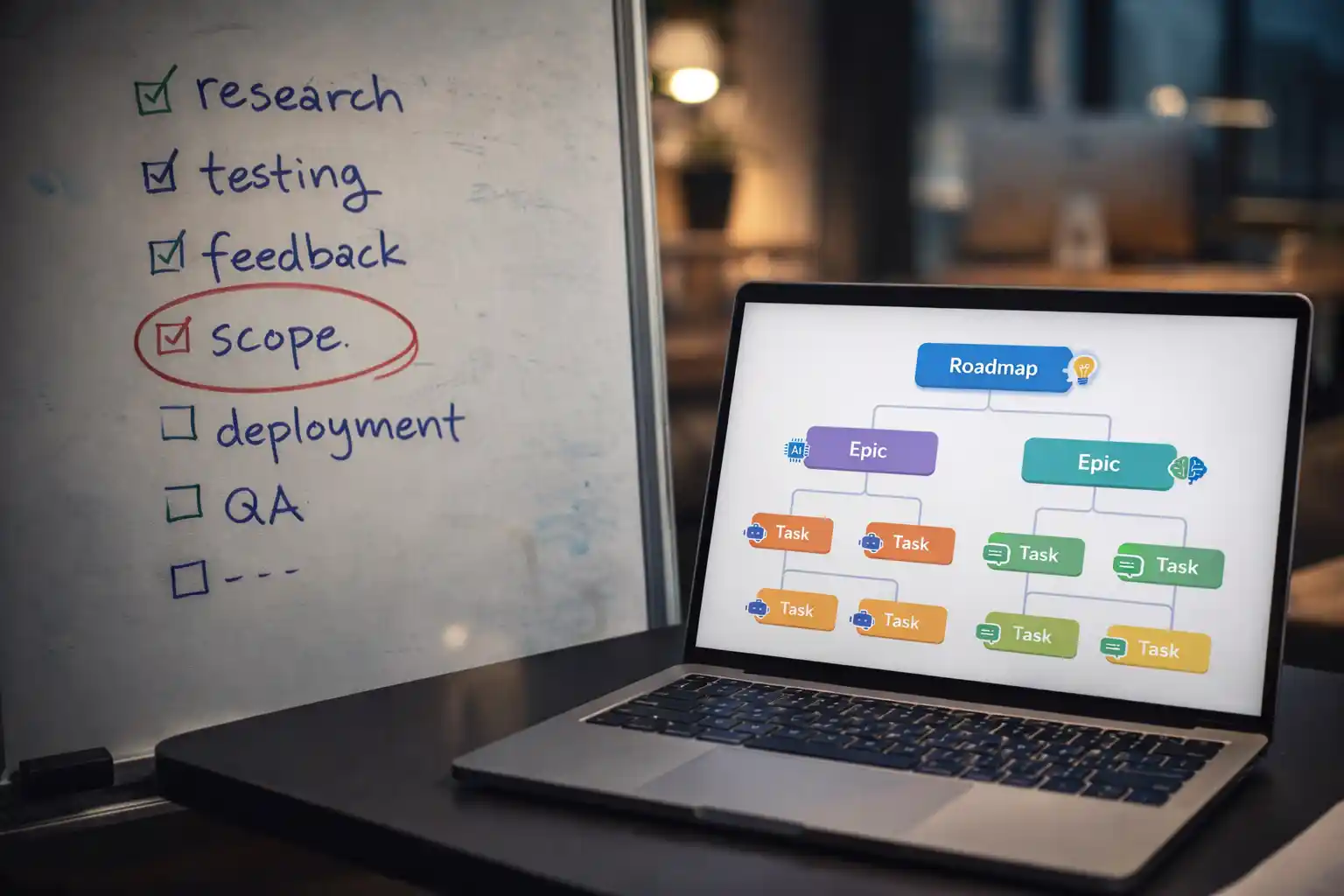
AI tools like Cursor, GitHub Copilot, and ChatGPT have made it incredibly easy to generate code, prototypes, and features in minutes. While this is a superpower for speed, it creates a dangerous "illusion of zero cost." Because an AI can write a feature in sixty seconds, stakeholders often think, "Why not add it now?" This mindset leads to projects that never finish, architectures that become "spaghetti," and products that lose their core value proposition. To harness AI's speed without falling into the chaos of scope creep, you need a Digital Spine. Here is how to use Alios to discipline your AI-powered development process.
1. Why AI Accelerates Scope Creep
The fundamental problem with AI-assisted development is the Psychology of "Easy." When a developer tells a Product Manager, "I can have that feature ready by this afternoon thanks to AI," the traditional barriers to scope expansion vanish.
The Velocity Illusion: Stakeholders stop respecting the roadmap because they see features appearing instantly.
Invisible Technical Debt: AI writes code, but it doesn't always understand the holistic architecture. Every "quick addition" increases the complexity of the system exponentially.
Context Fragmentation: AI-generated features often lack deep integration. Adding ten "small" AI features can break the primary user journey.
In Alios, we fight this by moving away from "conversational requests" and moving toward Node-Based Discipline.
2. Managing Scope with Alios: A Step-by-Step Strategic Plan
Alios prevents scope creep by taking the decision-making process out of informal chats (like Slack or WhatsApp) and placing it into a structured Tree View hierarchy. Here is the 4-step method:
Step 1: The "Request Pool" Node (The Gatekeeper)
Never add a new idea directly into your active IN PROGRESS sprint.
Create a Master Node in Alios titled [BACKLOG] Feature Requests.
Every "one more thing" idea must be recorded here as a sub-node.
The status should remain WAKLIYOG (Waiting) or a custom "Evaluation" status. This forces the requester to define the idea before it ever touches the development team.
Step 2: The Mandatory Approval Step (Review Discipline)
Alios utilizes the REVIEW status as a firewall. A request cannot move from the "Pool" to the "Active Roadmap" without a formal review by a Captain (Assignee).
The Captain must ask: "Does this addition change our MVP Acceptance Criteria?"
If yes, the Captain must adjust the project’s Termin (Deadline) immediately within Alios. Making the "time cost" visible is the best way to stop unnecessary scope creep.
Step 3: Mapping Dependencies (Connecting Affected Nodes)
One of AI's weaknesses is not knowing what it might break in another part of the system. In Alios, every new request Node must be linked to existing Affected Nodes.
If you add a "New Payment Method," you must link it to the "@User Checkout" and "@Invoice Generation" nodes.
By seeing these dependencies in the Tree View, the team can visualize the "Blast Radius" of a simple change before a single line of AI code is written.
Step 4: The Change Log (Node History)
Scope creep thrives in the dark. In Alios, every Node has a History tab.
Every comment, status change, and description update is timestamped and attributed.
If the project budget or timeline is blown, you can look at the Node History to see exactly which "minor" requests added up to the delay. This creates 100% accountability.
3. Monitoring Scope Creep via the Alios Dashboard
As a manager, you should use your Alios Dashboard to spot "Scope Bloat" before it’s too late. Monitor these three indicators:
Nodes Added Post-Kickoff: Filter for tasks created after the milestone start date.
Termin Shifts: Watch for Nodes where the deadline has been moved more than twice. This usually indicates a hidden scope increase.
WAKLIYOG Duration: If a task is "Waiting" because of "Clarification Needed," it’s a sign that the scope was never properly defined.
4. Conclusion: Discipline the Speed
AI is the engine, but Alios is the steering. If you allow AI's speed to dictate your roadmap, you will end up with a bloated, unmaintainable product. By using Alios to register requests, enforce approvals, and track dependencies, you ensure that every line of AI-generated code serves a specific, pre-approved purpose.
Don't let "just one more thing" destroy your MVP. Use the Digital Spine to keep your project lean, focused, and on time.
5. Copy-Paste "Change Request" Template for Alios
To prevent verbal scope creep, require your team to paste this template into the Description field of any new Node created after the project kickoff.
🚩 DEĞİŞİKLİK TALEBİ VE YENİ ÖZELLİK FORMU (CHANGE REQUEST)
1. TALEP ÖZETİ VE KAPSAM
İşin Tanımı: (Eklenmek istenen özellik veya değişiklik nedir? Net ve spesifik olun.) Hedef Çıktı: (Bu iş tamamlandığında elde edilecek somut sonuç nedir?)
2. STRATEJİ VE ÖNCELİKLENDİRME
[ ] Kritik (MVP): Bu özellik olmadan ürün yayına çıkamaz.
[ ] Geliştirme (V2): Faydalı ancak bir sonraki fazda eklenebilir.
[ ] İyileştirme: Mevcut bir hatayı veya kullanıcı deneyimi (UX) sürtünmesini düzeltiyor. Gerekçe: (Bu ekleme neden şimdi yapılmalı? İş değeri ve getirisi nedir?)
3. ETKİ ANALİZİ (BAĞLI DÜĞÜMLER)
Etkilenen Mevcut İşler: (Lütfen etkilenen mevcut @Düğümleri buraya bağlayın.)
Risk Analizi: (Bu değişiklik neleri bozabilir? Ek AI testleri gerekiyor mu?)
4. EFOR VE TERMİN TAHMİNİ
Tahmini Efor: (AI Üretimi + İnsan Gözüyle Kontrol: Örn: 4 Saat / 2 Gün)
Teslim Tarihi (Termin) Etkisi: * [ ] Mevcut takvimi/teslimatı etkilemiyor.
[ ] Genel teslimat tarihini [....] gün/hafta kadar öteliyor.
5. KABUL KRİTERLERİ (BİTTİ TANIMI)
İşin "Tamamlandı" (Done) sayılması için aşağıdaki maddelerin karşılanması şarttır:
[ ] (Örn: Kullanıcı arayüzü tüm mobil cihazlarda uyumlu olmalı.)
[ ] (Örn: API yanıt süresi 300ms altında kalmalı.)
[ ] (Örn: Değişiklik dokümantasyona işlenmeli.)
6. SAHİPLİK VE ONAY
Talep Eden: (İhtiyacı bildiren Kişi / Departman)
Onaylayan Kaptan: (Bütçe, zaman ve kapsam değişikliğinin sorumluluğunu alan yönetici.)
💡 Alios Uygulama Notu:
Bu form doldurulduktan sonra Node durumunu REVIEW statüsüne çekerek Onaylayan Kaptan'a bildirim gitmesini sağlayın. Onay verildikten sonra işi IN PROGRESS aşamasına taşıyarak kapsam kaymasını (Scope Creep) resmi olarak kayıt altına almış olursunuz.



