Article
Async Check-in for Remote Technical Teams: The Alios System
Slack traffic kills focus, visibility in remote teams. Learn how to build a remote technical team async check-in system in Alios with a daily template and weekly rhythm.
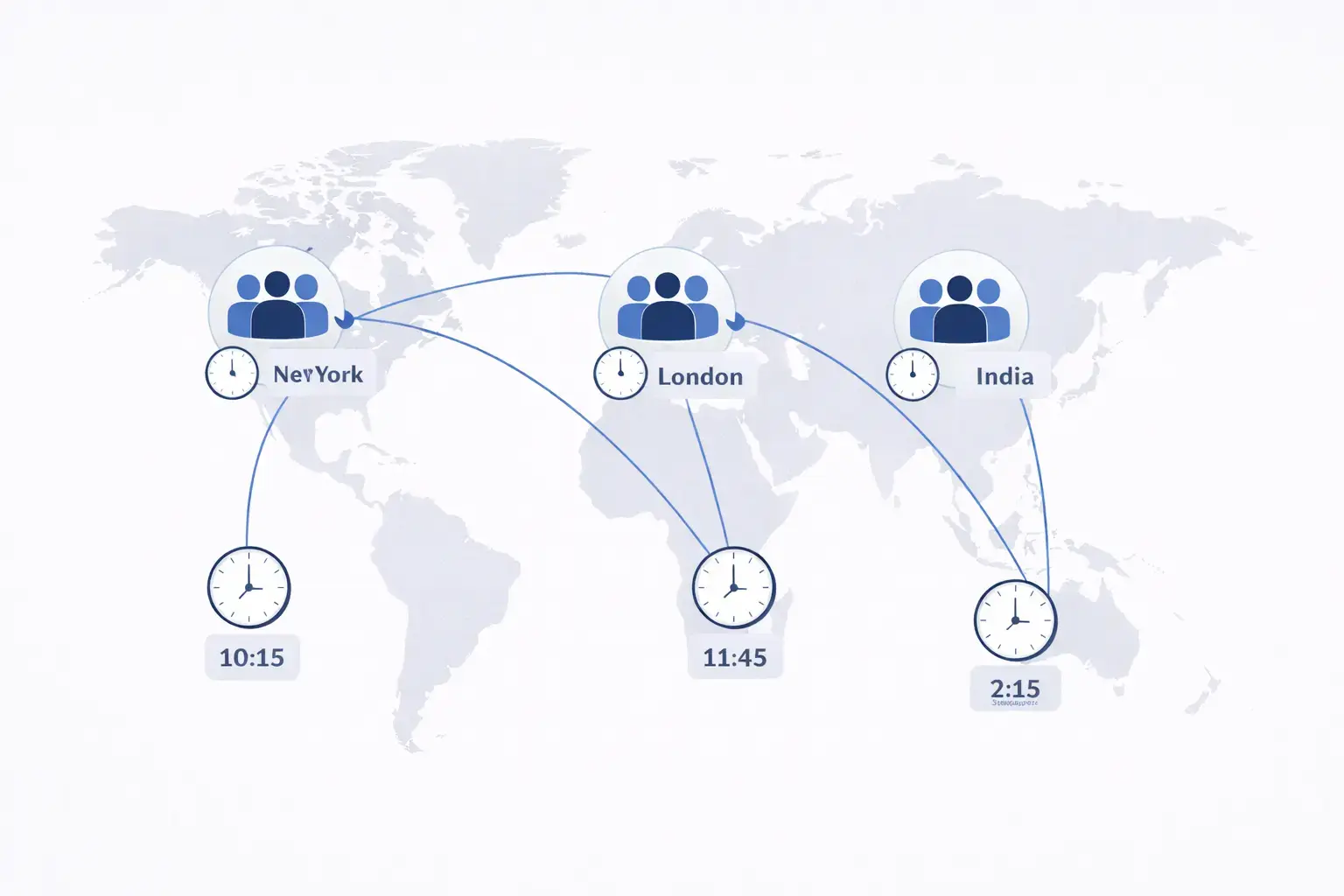
Async Check-in for Remote Technical Teams: The Alios System
There's a morning daily standup on the remote team. Everyone turns on their camera and takes turns saying "yesterday I did this, today I'll do that." Fifteen minutes pass. The meeting ends. Five minutes later nobody remembers what anyone else is working on.
Or there's no meeting but there's Slack. "What is everyone working on today?" gets sent. Some people reply, some don't see it. Someone working in a different time zone responds hours later. By then the question has already gone stale.
Visibility is a real problem in remote technical teams. But the solution isn't more meetings or more messages.
Why Slack Message Traffic Doesn't Work
When Slack becomes a coordination tool in remote teams, two problems emerge.
Focus gets broken. Every time a message notification arrives, the developer gets pulled out of deep work. Research shows that context switching leads to 20+ minutes of focus loss. Ten notifications a day means 200+ minutes of lost productivity.
Information gets buried. "I'm working on this today" is a message nobody searches for tomorrow. Who did what, who got stuck, who learned something — all of this disappears into the message stream. The transparency is momentary, not lasting.
The promise of async work is this: everyone works in their most productive hours, nobody waits for anyone else. Delivering on that promise requires information to live in an accessible system, not in messages.
The Async Check-in System in Alios
In Alios, the remote technical team async check-in system works across two layers: a daily check-in node and a weekly summary node.
Daily Check-in Node Template
Each team member updates their check-in node at the start of every day — at the start of their own working hours, regardless of time zone. No meeting, no expectation of a reply.
📌 DAILY CHECK-IN — [Name] — [Date]
Status: Active
Time: [Update time]

✅ Completed yesterday:
- [Node name or task] — [1-sentence output]
- [Node name or task] — [1-sentence output]

🔄 Working on today:
- [Node name] — goal: [what will be finished]
- [Node name] — goal: [what will be finished]

⚠️ Blocker or needs attention:
- [If any: what, why, waiting on whom]
- If none: "No blockers"

🧠 Technical note (optional):
[Something learned, an interesting finding, a
technical detail worth flagging — if useful for
the team]

📎 Updated nodes: [List]
This check-in node provides two things: who is doing what is visible in real time, and this information is permanent — readable a week later too.
Weekly Summary Node Template
On Friday — or on the last working day of the person's week — a weekly summary gets written. It gets compiled from the daily check-ins and takes 10 minutes.
📌 WEEKLY SUMMARY — [Name] — [Week]
Status: Complete

✅ Completed this week:
- [Node name] — [output]
- [Node name] — [output]

⏳ Still in progress:
- [Node name] — status: [where it stands]
- [Node name] — status: [where it stands]

⚠️ Didn't complete:
- [Node name] — reason: [why]
  Carried to next week

🎯 Next week's priorities:
- [Node name] — goal
- [Node name] — goal

🧠 Week's learning (optional):
[Technical discovery, decision, retrospective note]
Rhythm: Daily and Weekly
For the system to work, the rhythm needs to be consistent. Small gaps don't break the system, but large ones lose visibility.
📅 DAILY RHYTHM

Morning (start of work day — time doesn't matter):
→ Check-in node opened and filled ✓
→ If blocked, "Blocker" is written ✓

During the day:
→ When task finishes, node is closed ✓
→ When new task appears, node is opened ✓
→ When blocker resolves, check-in is updated ✓

Evening (end of work day — optional):
→ Tasks carrying to tomorrow noted ✓

📅 WEEKLY RHYTHM

Monday morning (team lead):
→ All check-in nodes reviewed
→ Blockers spotted
→ Overlapping or conflicting tasks noticed

Friday (everyone):
→ Weekly summary written
→ Open nodes reviewed
→ Next week's priorities set

Monday morning (team lead — again):
→ Weekly summaries read
→ General picture for the week seen
→ Async message sent if needed
For Teams Across Time Zones
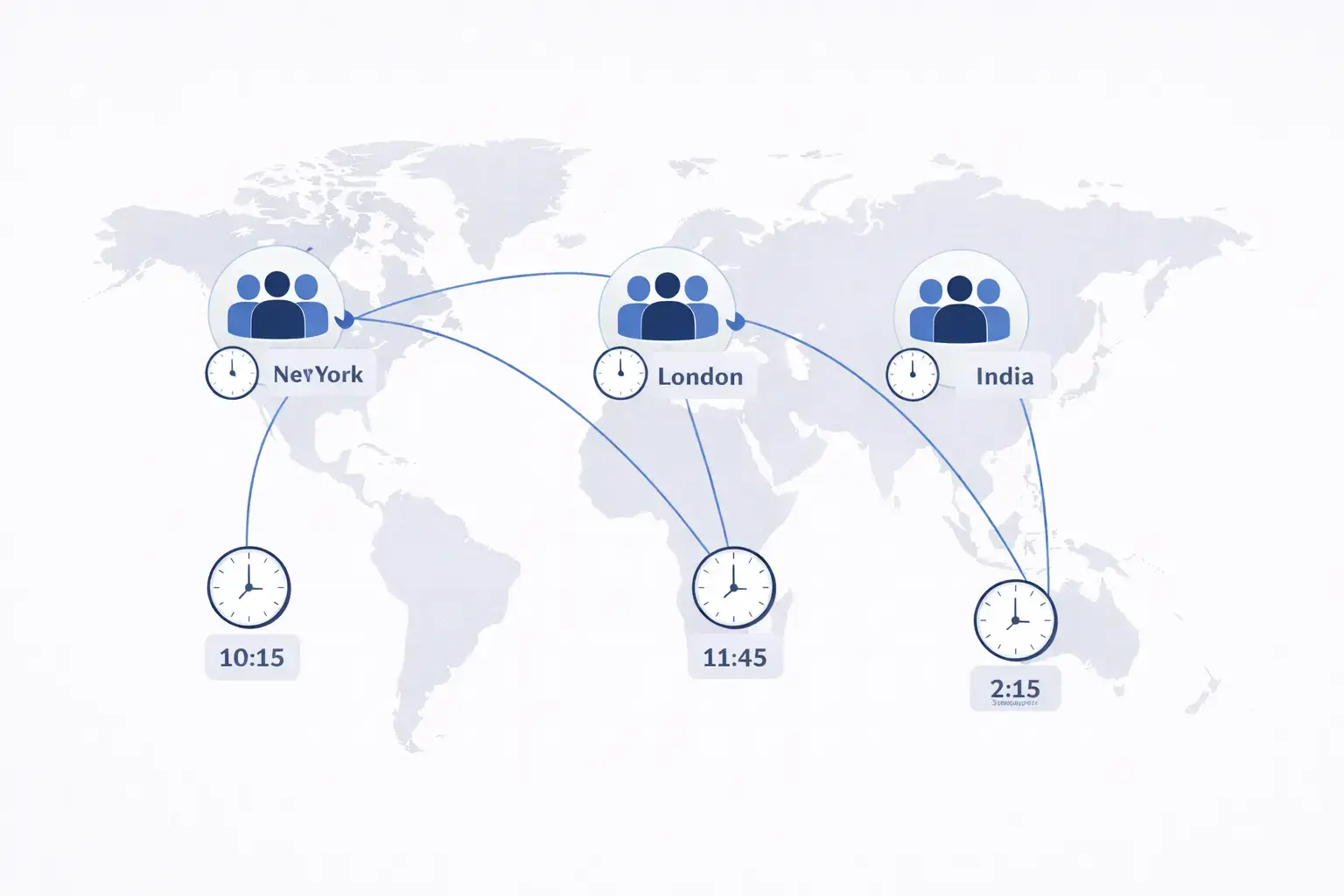
Check-in nodes being timestamped makes time zone differences manageable.
The developer in Istanbul writes their check-in at 9am. The developer in San Francisco wakes up at 11pm, reads that check-in, and writes their own. Neither has to be online at the same time to coordinate.
For topics that require overlap — architectural decisions, PR review approvals — a note gets added to the check-in: "waiting for async approval." The other person sees it at their own time and writes a response in the node.
Final Thought
An async check-in system for remote technical teams isn't about closing Slack. It's about removing coordination from message dependency.
In Alios, daily check-in and weekly summary nodes make this coordination permanent and searchable. Who is doing what is visible without asking. Blockers don't disappear. Team members working across time zones move forward without waiting for each other.
The daily standup goes from a 15-minute meeting to a 5-minute node update. Seventy-five minutes of the week get reclaimed.



