Article
Agency File Management: Single Source of Truth & Alios Guide
End digital chaos in your agency. Learn to organize project files, master version control, and implement a Single Source of Truth using Alios for peak productivity.
Agency File Chaos: A Guide to Project-Based Document Organization and the Single Source of Truth
In the kitchen of a modern digital agency, the most common problem that slows down operations, demoralizes the team, and secretly erodes profitability is not, contrary to popular belief, a lack of creativity—it is file chaos. When a project begins with great excitement, everything seems perfect: new folders are opened, the first brief document is uploaded cleanly, and the team moves into production. However, by the second or third week, that initial order gives way to digital anarchy.
Files begin to scatter across Google Drive, Dropbox, Figma, Slack channels, WhatsApp groups, and email attachments. The infamous but exhausting dialogues repeat: "Which email had the client's last logo?", "Is the design in Figma version v4 or v4_final?", "Who took note of the revision notes from WhatsApp?" This is not just a waste of time; it also brings risks that can shake the agency's reputation, such as publishing the wrong version or sending faulty files to the client. The solution is not to buy more storage space, but to establish a "Single Source of Truth" (SSoT) supported by systems like Alios.
1. The Anatomy of File Chaos in Agencies: Why Do We Fall Apart?
File clutter does not happen overnight; it occurs when small cracks in the system grow over time. There are three main pillars that drag agencies into this chaos:
A. Platform Fragmentation
A creative director designs in Figma, a copywriter prepares content in a Google Doc, a client representative writes the brief in Notion, and the client sends a revision as a voice note over WhatsApp. When information is scattered across so many different physical and digital locations, it becomes impossible for a team member to master "the whole picture." Time spent finding information begins to exceed time spent producing the work.
B. Version Hell
Classic naming errors are the bleeding wound of agencies. Names like project_final.pdf, project_final_v2.pdf, project_final_last_revision.pdf, and the most dangerous of all, project_final_PRINT_THIS.pdf, create an uncertainty where no one in the team can take responsibility. When version control is not tied to a discipline, digital pollution is inevitable.
C. Disconnection Between Tasks and Files
Files sit in one folder, while the tasks that prompted those files sit in another system. To understand "why" a file was revised in a certain way, one must scan through past messages. The moment a file is disconnected from its context, it turns into a meaningless pile of data.
2. What is the Single Source of Truth (SSoT)?
In information management, the Single Source of Truth is the principle that everyone in an organization bases their decisions on a single, reliable data center. For agencies, this means that rather than where files are physically stored, the "living references" to those files are gathered in one hub.
Alios does not necessarily store your files physically (though it can); instead, it integrates the "living references" of those files into the project workflow. A file may live in Google Drive, but the only official path to that file passes through the relevant node (task) on Alios. This approach transforms the team’s "file searching" habit into a "reaching the file via the task" habit.
3. Designing Document Management with Alios Node Structure
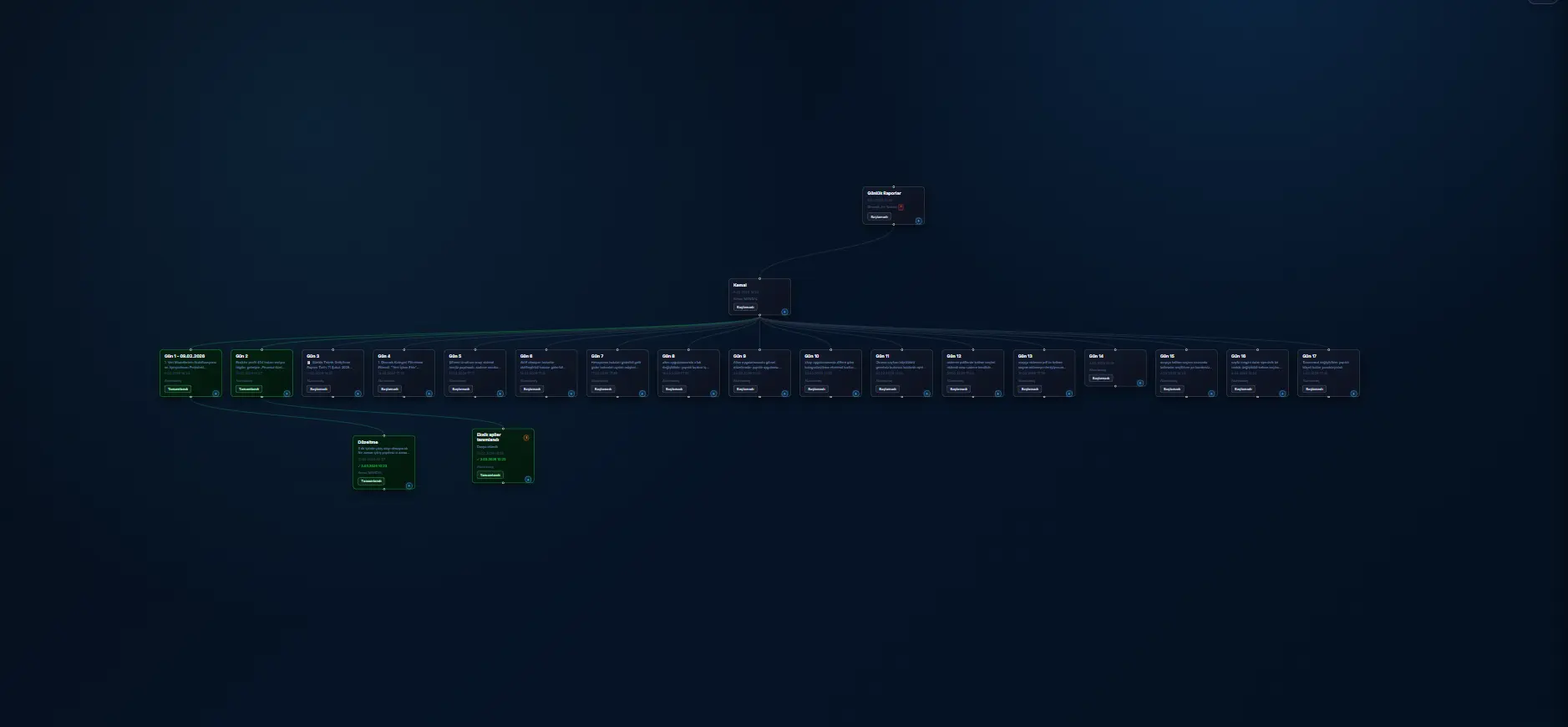
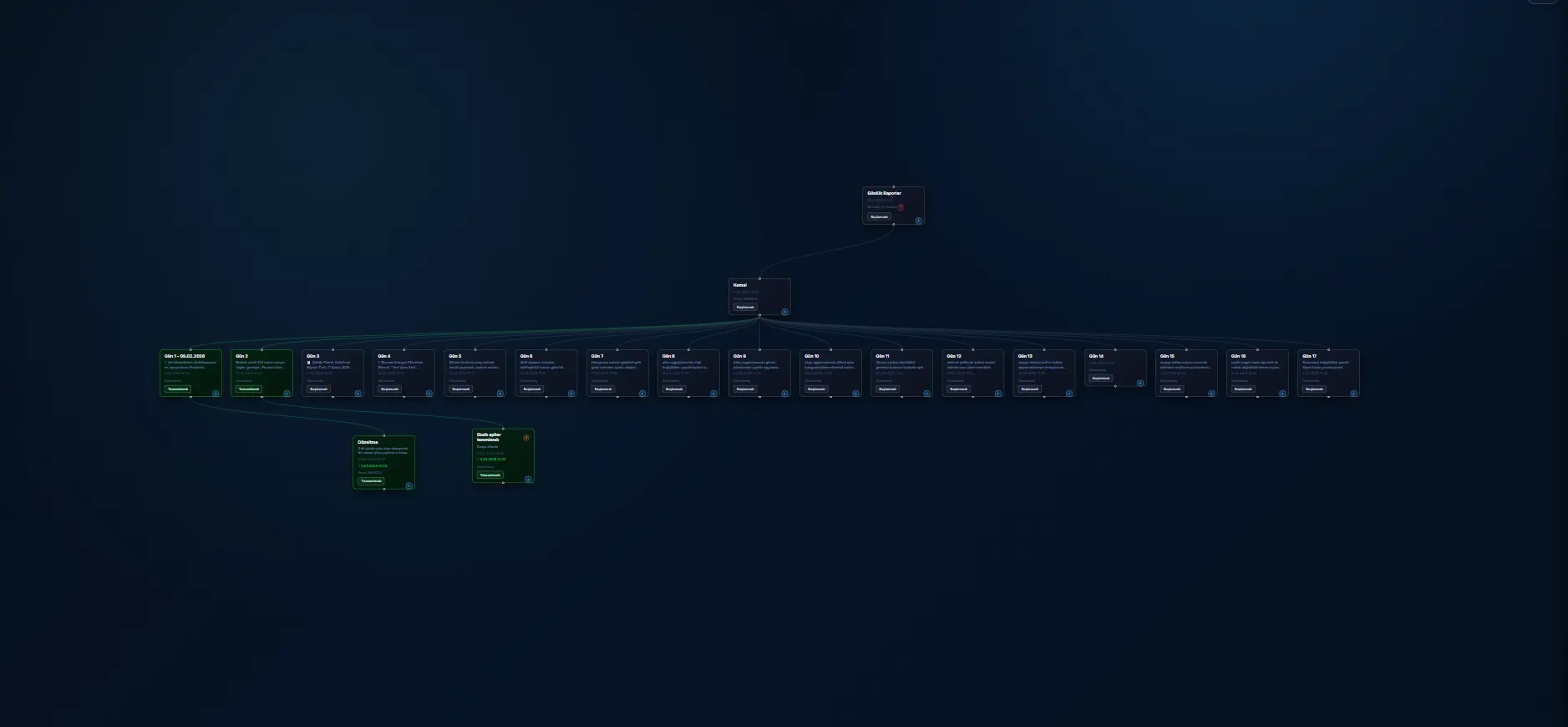
The flexible node structure of Alios allows you to turn each work step into a mini-information hub. Here is a step-by-step setup for document order:
A. The Brief and Strategy Node
This node, located at the top of the project, is the project's constitution.
Content: Raw brief from the client, strategy presentation prepared by the agency, and meeting recordings.
Alios Implementation: The link to the relevant Drive folder is pinned under the "Client Files" heading in the node description. Each revised brief document is added below with a date.
B. Production and Design Nodes
Separate sub-nodes are opened for each creative production process.
Content: Working files (Figma, PSD, AI links), stock image licenses, and moodboards.
Reference Logic: When the designer starts work, they don't look at another folder; they go directly to their task in Alios and click the link in the "References" section.
C. Approval and Revision Nodes
This is where the most significant chaos usually occurs.
Content: The link to the presentation shown to the client and the written approval/revision text from the client.
The Critical Rule: Even if it’s a screenshot from WhatsApp, it must be uploaded under the relevant node with the note "Client Feedback - [Date]".
4. Standard Project Folder Structure: A Corporate Discipline
No matter how good the system is, if the folder hierarchy is not standard, chaos will continue. Each agency may have its own structure, but an ideal hierarchy is as follows:
Folder NoFolder NameContent Summary01Incoming_Brief_DocsRaw data from the client, logos, fonts.02Strategy_and_NotesMeeting minutes, market research, planning.03Working_FilesActive files (PSD, AI, FIG) designers are working on.04References_and_StockPurchased images, competitor analysis, moodboards.05Presentations_and_ApprovalsPDFs sent to the client and approved versions.06Final_Outputs_ExportFinal files ready for publication or print.07ArchiveOld versions and closed stages of the project.
5. Integrating Folders and Nodes: Merging Two Worlds
Simply having a folder structure is not enough; this structure must "talk" to the project flow on Alios.
Linking Strategy: A person opening the "Design Production" task in Alios should see a direct link to the
[03_Working_Files]folder in the description.Version Tracking: The node description should always include a "CURRENT VERSION: [Link]" statement. Older versions should be kept in the comments section or an "Archive" node. This ensures the latest valid file is always on the main screen.
6. Version Control and Naming Protocol
To get rid of names like "Final," "Last Final," and "I Swear This is Final," a military-grade naming protocol must be applied:
Date-Based Naming:
YYYYMMDD_ClientName_ProjectName_V01Specifying the Responsible Party:
..._V01_DesignerNameStatus Indication: If the file is awaiting approval,
..._PENDING; if a revision has arrived,..._REVISION_01.The Final Tag: Only when full client approval is received is
_FINALadded to the end, and the file is moved to the06_Final_Outputsfolder.
7. 5 Golden Rules to Prevent File Chaos
Technology is only a tool; the real solution is discipline. Agree on these rules with your team:
WhatsApp is a Forbidden Zone: No critical work-related file or revision note should remain only in WhatsApp. If it comes from there, it must be transferred to the Alios node within seconds.
Local Desktop Usage: Designers can work on their own desktops, but at the end of the day (or at every important stage), the file must be synchronized to the central cloud folder. The "my computer crashed, the file is gone" excuse is unacceptable for a modern agency.
Share Links, Not Files: Do not send files to each other within the team. Instead, share the link to that file via Alios. This way, everyone always accesses the most up-to-date version.
The Node Description is Sacred: The most important document link for a task should always be at the top of the node description. Searching for links among comments is a productivity killer.
Archiving Reflex: When a stage is finished (e.g., the wireframe stage), all intermediate files for that stage should be moved to
07_Archiveto keep the workspace clean.
8. Document Security and Accessibility for Remote Teams
In agencies working hybrid or fully remote, file organization is a necessity, not a choice. Alios's cloud-based structure ensures that any team member anywhere in the world can access all the references they need the moment they are included in the project.
Authorization: It can be managed who can access which files via Alios nodes. Links containing sensitive client data can be added only to nodes visible to relevant managers.
Synchronization Check: Project managers can look at node updates on Alios to check whether files are being uploaded to folders on time.
9. Frequently Asked Questions (FAQ)
Q: Should I upload all files into Alios or just provide links?
A: For large design files (PSD, AI, Video), it is more performant to use services like Google Drive or Dropbox and link to Alios. However, uploading files that require quick access, such as brief documents, revision screenshots, or small PDFs, directly to Alios nodes saves time.
Q: Should clients be involved in our file organization?
A: Showing the client the entire "kitchen" (working files) can be confusing. Instead, it is the most professional approach to open a special "Approval" node for the client and ensure they only see the outputs in the 05_Presentations_and_Approvals folder.
Q: How long should we keep files of past projects?
A: According to agency standards, they are usually kept for 2-5 years. Since all links and node history of a project marked as "Completed" in Alios will remain in the system, you can understand the logic of that project even years later and reach the archive folder with a single click.
10. Conclusion: File Order is the Agency's Professional Identity
File chaos in agencies is not a destiny; it is just a bad habit. When a simple, consistent, and universally adopted system is established, you will be surprised at how much your operational speed increases. Every minute not spent searching for where files are is time for your team to think more creatively and produce higher quality work.
Using project management tools like Alios as a "file reference center" is the fastest way to bring the Single Source of Truth principle to life. Remember; a correctly organized project means not only a successful delivery but also a peaceful team and a profitable agency. Create a standard folder structure for your first project today and end the chaos by connecting all references to Alios nodes.