Article
AI Yazılımında Kalite Yönetimi: Alios QA ve Bug Takip Rehberi
AI ile üretilen kodlarda test ihtiyacı neden artar? Alios kullanarak profesyonel bug takibi, test checklistleri ve durum akışlarını nasıl yönetebileceğinizi öğrenin.
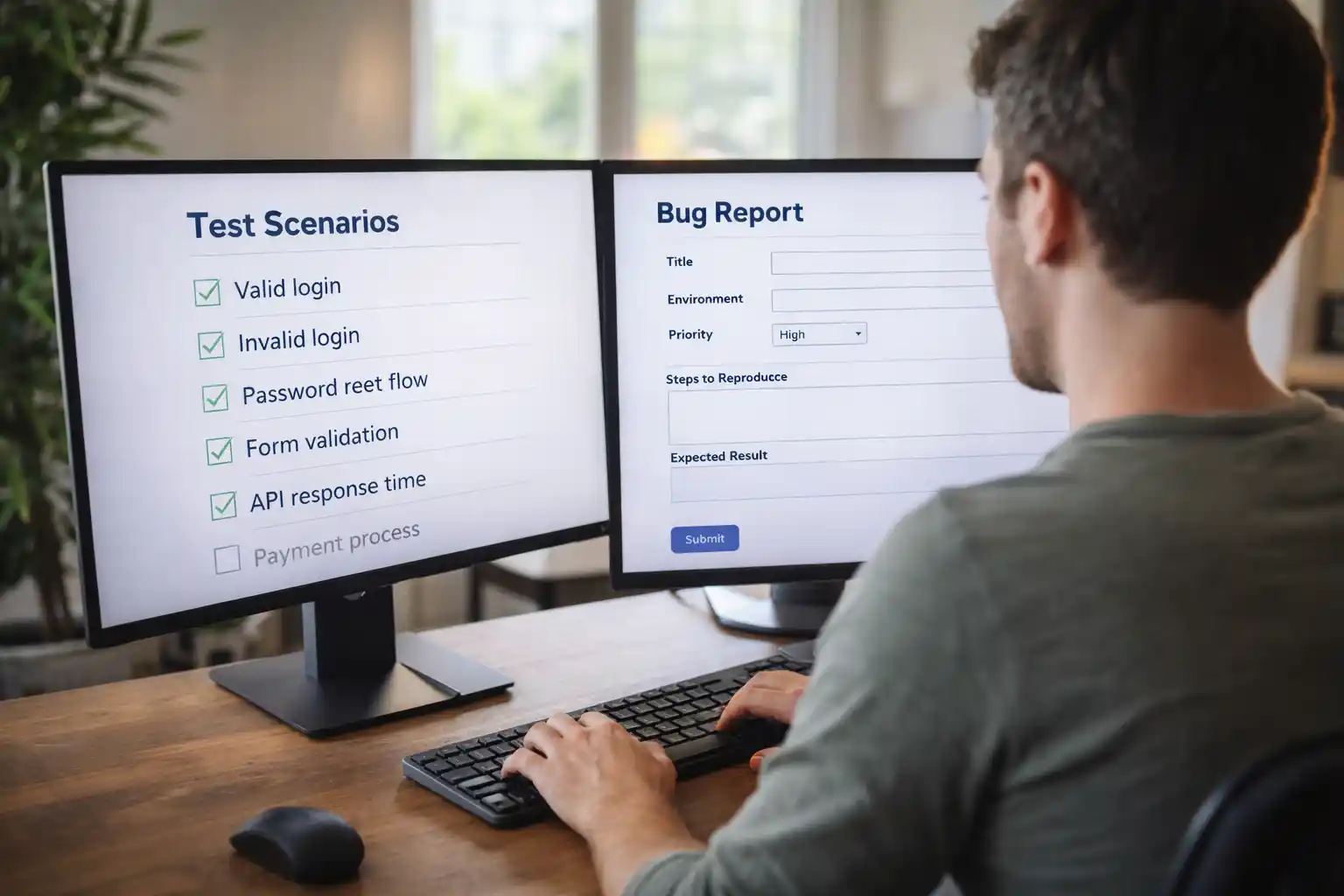
Managing Quality in AI-Generated Code: The Alios QA and Bug Workflow
The software development industry is currently navigating a fascinating paradox: velocity is increasing, but quality debt is accumulating faster than ever. Artificial Intelligence (AI) tools like Cursor, GitHub Copilot, and ChatGPT have turned the once-laborious act of writing code into a near-instantaneous output. However, this speed comes with a hidden cost. The necessity for rigorous Quality Assurance (QA) and systematic testing hasn't diminished; it has exploded.
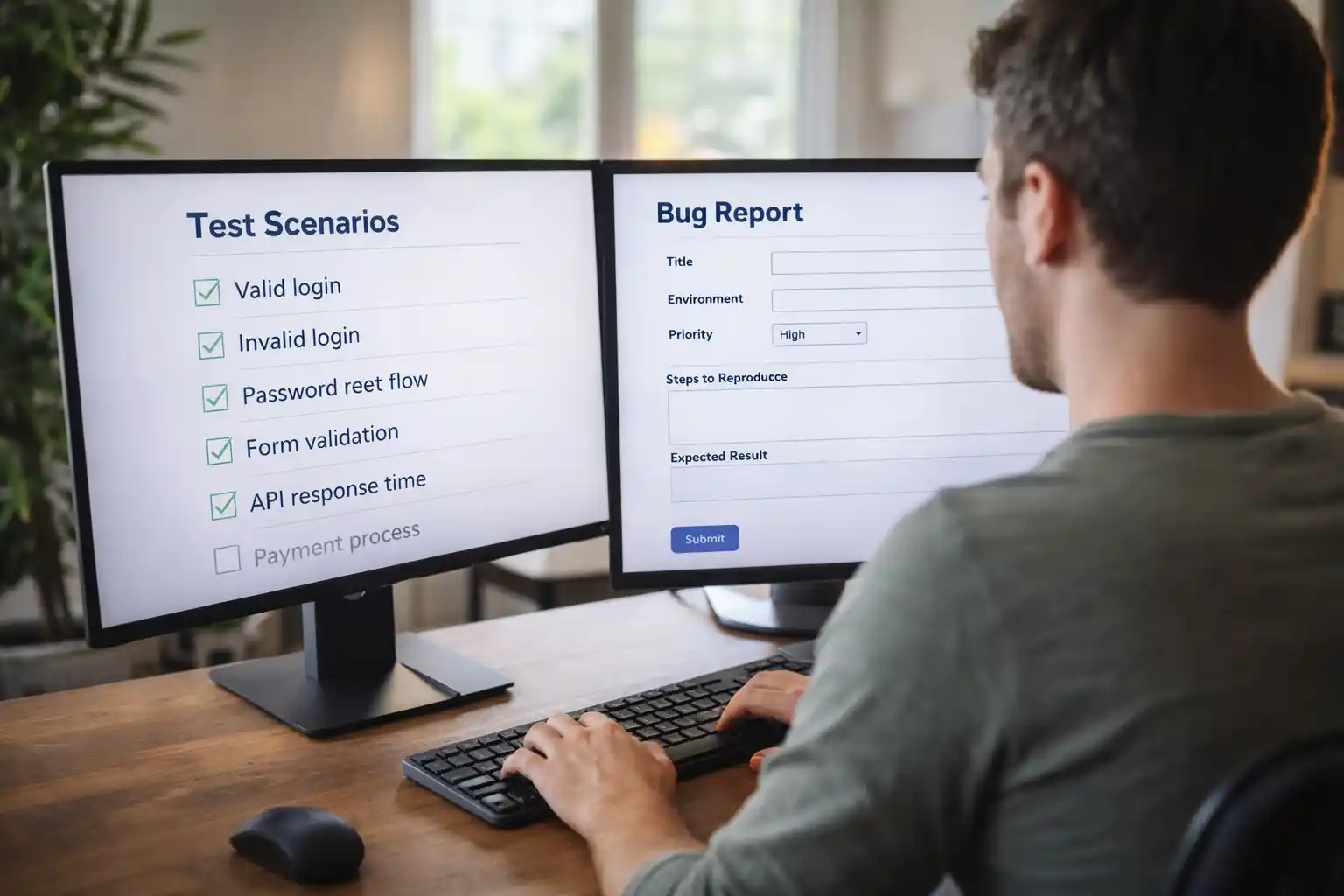
In the pre-AI era, the development phase was long, allowing for natural deliberation. Today, the development phase is negligible, shifting the entire weight of the project onto the Verification and Validation phase. AI-generated code is prone to "hallucinations," deprecated library usage, or "look-good-feel-bad" logic that works in 90% of cases but fails spectacularly in edge cases. To survive this shift, organizations need a Digital Spine like Alios to enforce discipline where AI creates chaos.
1. Why AI-Generated Code Demands More QA, Not Less
AI is a "probabilistic engine," not a "logic engine." When you ask an AI to generate a module, you are essentially buying into three major risks:
A. Context Blindness
AI excels at writing 50 lines of code in a vacuum. It struggles, however, to understand how those 50 lines affect a 50,000-line architecture. A small AI-generated change in a payment module might inadvertently break a subscription renewal logic elsewhere because the AI didn't "see" the global state.
B. The Illusion of Perfection
AI code looks professional. It is perfectly indented, uses clean naming conventions, and includes comments. This "clean look" often leads developers into a trap called "Rubber-Stamping"—where they approve code because it looks correct, without actually verifying the logic.
C. The "Hallucinated" Dependency
AI often suggests libraries or functions that no longer exist or, worse, contain security vulnerabilities. Without a systematic QA gate, these vulnerabilities enter your production environment at the speed of light.
In an AI-driven world, the mantra must be: "Trust, but Alios."
2. Quality Management via the Alios Digital Spine
Alios transforms quality from a "final step" into a continuous structural requirement. By using the Tree View and Node Statuses, you can create a high-velocity quality gate.
Step 1: Pre-Code Test Checklists
In Alios, every development Node should begin with a Test Checklist before the AI is even prompted.
Example: "Does the login fail with an incorrect password?", "Is the button responsive on iPhone SE?" By defining the "Definition of Done" in Alios first, the developer can provide these criteria to the AI as part of the prompt, ensuring the output is aligned with the quality goals.
Step 2: The Alios Status Lifecycle
To manage AI velocity, Alios uses a strict 4-stage status workflow:
NOT_STARTED: The task is defined. The Captain (Assignee) and the Acceptance Criteria are set.
IN_PROGRESS: The developer is using AI to generate, iterate, and integrate the code.
REVIEW (The Critical Gate): The developer claims the work is done, but it is not moved to Done. It enters the REVIEW status. This is where a QA specialist or a Senior Peer audits the AI-generated code against the Alios checklist.
DONE: The Node is only closed once all checklist items are ticked and the Reviewer provides a digital sign-off.
3. Bug Tracking and Node Interconnectivity
When a bug is found during the REVIEW phase, Alios provides a clear path for resolution without losing project momentum.
Linked Bug Nodes: Instead of a messy comment thread, a new Bug Node is created. This Node is linked as a "Child" or "Related Task" to the original development Node.
Impact Visibility: On the Alios Dashboard, managers can see which modules are generating the most Bug Nodes. If an AI-generated module has 10 associated bugs, it signals that the AI (or the prompt) failed to understand the complexity, requiring a human rewrite.
4. Professional Bug Report Template for Alios
The key to fast bug resolution is high-quality reporting. Require your team to use this template in the Description field of every Alios Bug Node.
🐛 BUG REPORT — AI-VERIFICATION MODE
1. SUMMARY & LOCATION
Problem: (A concise, technical description of the error.) Location: (Which page, module, or API endpoint is affected?)
2. REPRODUCTION STEPS
Steps taken to trigger the error:
(e.g., Go to the Login page...)
(e.g., Enter an invalid email format...)
(e.g., Click the 'Submit' button...)
Actual Result: (The bug triggers exactly at this step.)
3. STATUS ANALYSIS (EXPECTED vs. ACTUAL)
Expected Behavior: (What is the ideal system behavior?)
Current Behavior: (What is currently happening? e.g., "The app crashes with a 500 error.")
4. TECHNICAL EVIDENCE (LOGS & MEDIA)
Error Logs:
Plaintext
(Paste terminal outputs, console errors, or stack traces here.)Media Evidence: (Attach screenshots or screen recording links here.)
5. FIX VALIDATION (ACCEPTANCE CRITERIA)
This Node cannot move from REVIEW to DONE until these items are checked:
[ ] The bug can no longer be reproduced using the steps above.
[ ] Regression Check: This fix did not break existing features.
[ ] AI Audit: The AI-generated fix was manually audited for architectural compliance.
6. OWNERSHIP & PRIORITY
Captain (Owner): @developer_name
Priority Level: 🔴 CRITICAL | 🟠 HIGH | 🟡 MEDIUM | 🔵 LOW
Parent Node: (Link the original @DevelopmentNode associated with this bug.)
💡 Alios Usage Tip:
Once this template is filled, move the Node status to REVIEW to notify the QA specialist or Senior Developer. Thanks to the Alios Tree View, you can instantly see which Epic or Feature this bug is anchored to, maintaining total project visibility.
5. Conclusion: AI for Speed, Alios for Safety
The future belongs to teams that code at AI speed but manage at Alios discipline. By enforcing a REVIEW-centric workflow and using standardized Bug Nodes, you ensure that your high-velocity production doesn't result in a low-quality product.
Remember: AI writes the code, but the Captain owns the quality. Make quality a non-negotiable part of your Digital Spine.



