Article
AI-Driven Sprint Planning: Setting Up a 1-Week Sprint in Alios
Manage the explosion of AI output with Alios's Digital Spine. Learn how to set up backlogs, status flows, and closing criteria for a high-velocity 1-week sprint.
AI-Powered Sprint Planning: Building a 1-Week Sprint in Alios
In the current landscape of software engineering, we have hit a critical inflection point: The Velocity Explosion. With the integration of AI tools like Cursor, GitHub Copilot, and Claude, the traditional bottleneck of "writing code" has virtually vanished. What used to take a senior developer five days of deep work can now be scaffolded, refactored, and initial-tested in five hours.
However, this massive surge in output has created a secondary, more dangerous bottleneck: Management Chaos. When AI produces work at 10x speed, projects often collapse under the weight of unreviewed code, misaligned features, and "invisible" technical debt. Without a rigid structural framework, high-velocity AI teams aren't building products; they are creating digital noise.
This is where Alios and its Digital Spine architecture become mandatory. In this guide, we will explore how to plan and execute a high-speed, 1-week sprint using Alios to transform raw AI output into a polished, market-ready product.
1. Why Sprint Planning is Survival in the AI Era
In the pre-AI era, sprint planning was about managing limited human resources. In the AI era, sprint planning is about managing focus. ### The "Speed Trap" of AI:
The Feature Factory: Because AI makes building "everything" easy, teams often forget "why" they are building anything. Sprints force the team to stick to the Roadmap.
Asymmetric Velocity: Developers might finish ten features with AI, but the QA (Quality Assurance) or Design team might still be working at "human speed." This creates a massive backlog of REVIEW tasks.
Context Fragmentation: AI doesn't see the big picture. Without a 1-week goal, AI-generated modules start to drift away from the project’s central architecture.
Alios solves this by using the Tree View to anchor every high-speed AI task to a strategic goal. It ensures that while the "motor" (AI) is running at 200 mph, the "steering wheel" (Alios) is locked on the destination.
2. The Alios Sprint Workflow: Backlog to Done
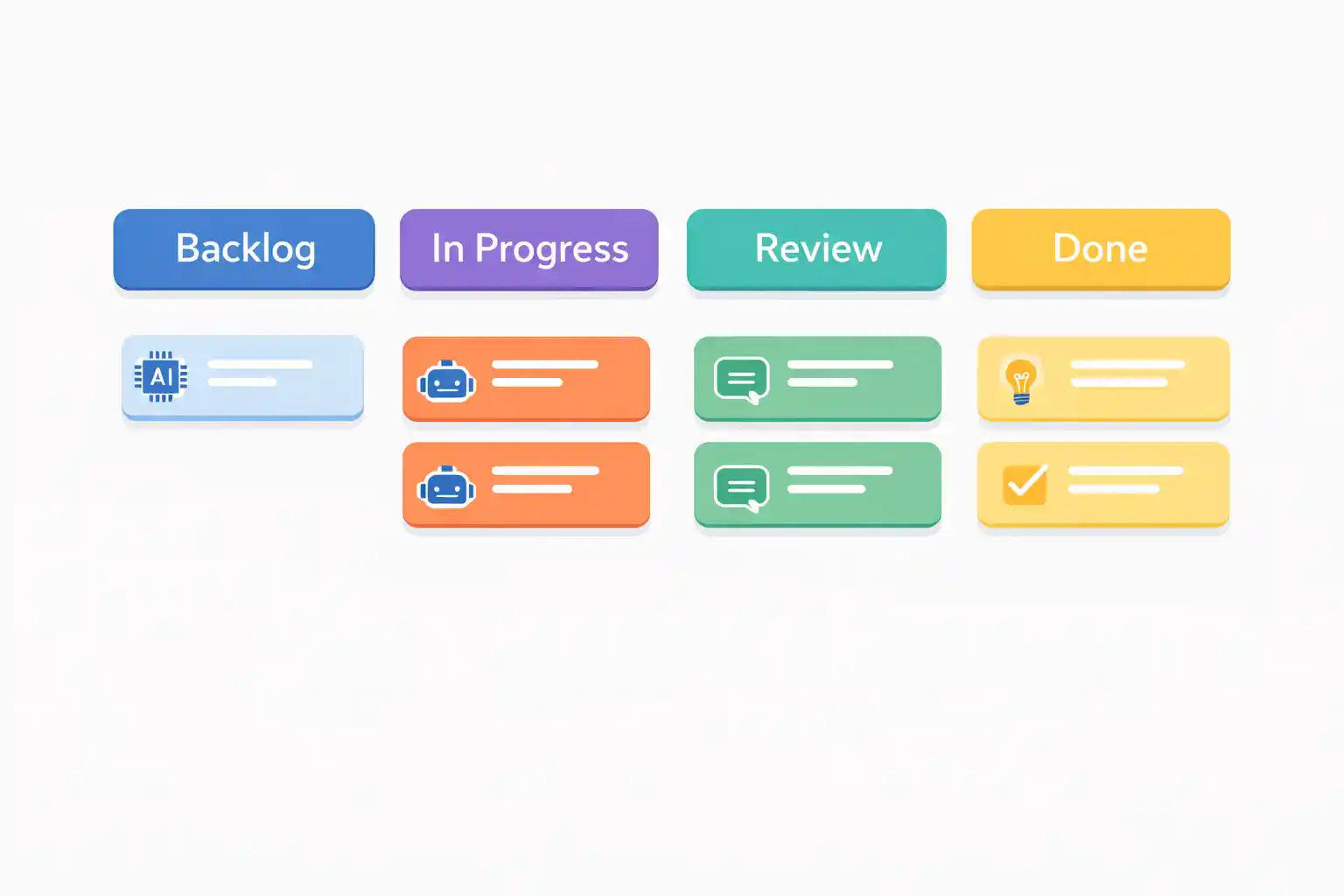
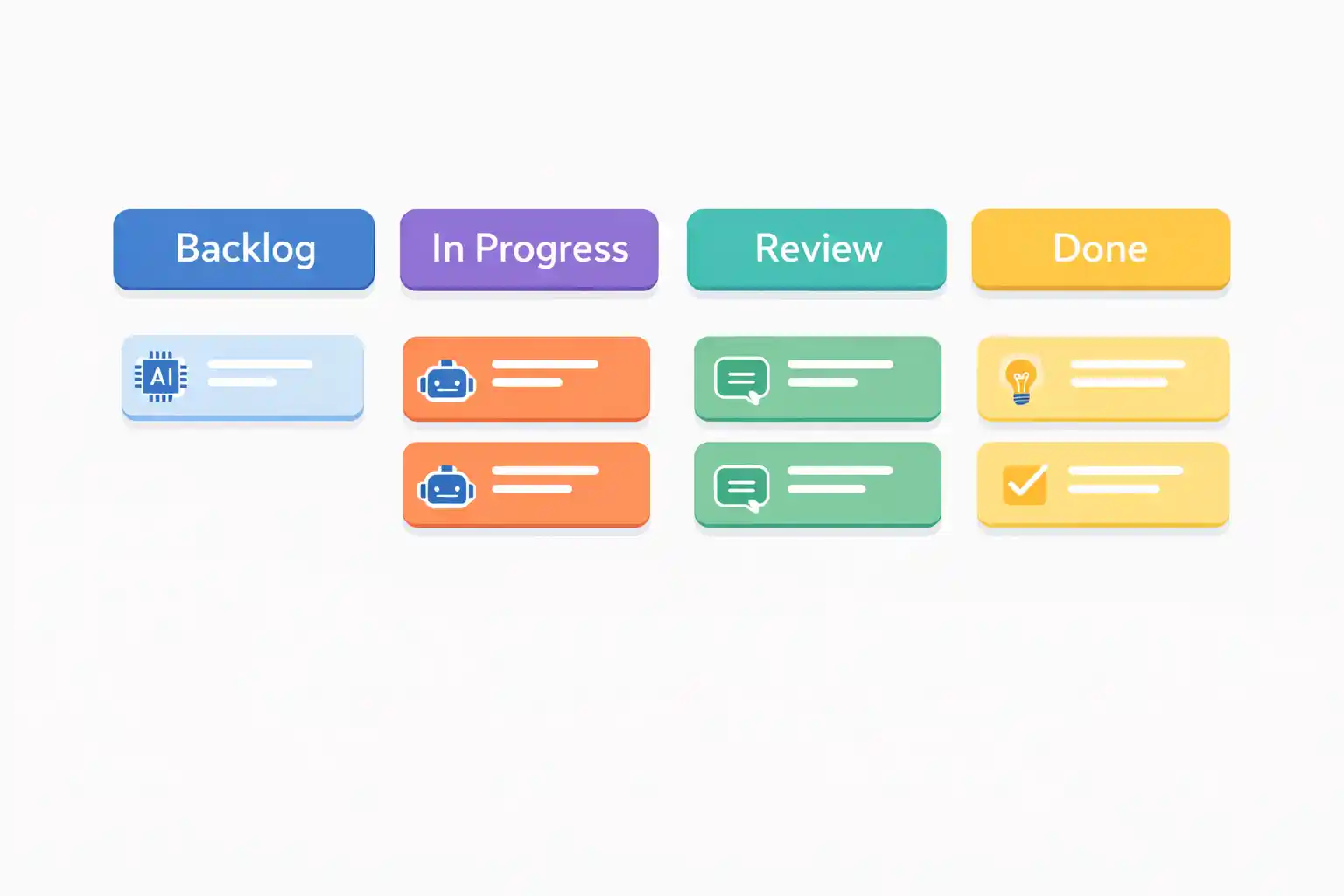
A 1-week sprint in Alios is a high-intensity cycle. To manage this, we utilize four primary statuses that act as "gates" in the Digital Spine.
A. The Backlog (The Request Pool)
Before the sprint begins, all ideas, bugs, and features are stored in a Master Node called [BACKLOG]. In an AI-driven environment, the backlog must be "groomed" to include clear Acceptance Criteria so that the AI knows exactly what to generate.
B. The 4-Stage Status Flow
NOT_STARTED (The Plan): Tasks selected for the current week. Every task has a Captain (Owner) and a Termin (Deadline).
IN_PROGRESS (The AI Execution): The developer is actively using AI to build the feature. Real-time blockers are noted here.
REVIEW (The Audit): Crucial. This is where the AI-generated code is audited by a human peer or QA specialist. It is the firewall against technical debt.
DONE (The Result): The task is verified, merged, and meets the "Definition of Done."
3. Example 1-Week Sprint: "User Analytics Dashboard"
Let’s look at a practical example of a 1-week sprint for a SaaS project using Alios.
Monday: The Planning Session
09:00 - 10:30: The team reviews the Alios Backlog.
Alios Action: Tasks are moved from the Backlog to NOT_STARTED under the
[SPRINT-04] Analytics Launchnode.Selected Tasks:
[TASK]Integrate Stripe Webhooks for revenue tracking.[TASK]Build "Top 5 Customers" table with sorting.[TASK]Export Analytics to PDF button.
Tuesday - Thursday: High-Velocity AI Production
Daily Flow: Developers take tasks into IN_PROGRESS.
The WAKLIYOG (Waiting) Discipline: If a developer hits a wall (e.g., waiting for API keys), they move the Node to WAKLIYOG.
Alios Action: The Manager checks the Dashboard at noon. Seeing a WAKLIYOG status, they immediately clear the blocker.
Friday: Review and Sprint Wrap-Up
10:00: All "completed" tasks are in REVIEW.
Alios Action: The Captains perform cross-reviews. They check if the AI followed the architecture guidelines set in the Node description.
15:00: Sprint Review Meeting. Final move to DONE.
4. Sprint Closing Criteria (Definition of Done)
In Alios, a Node is never "Done" just because the code was written. For an AI-driven project, the Sprint Closing Criteria must be strictly followed. You can add this checklist to the description of your Sprint Master Node:
Acceptance Criteria Met: Does the feature do exactly what the Alios Node description specified?
Human Audit: Has every line of AI-generated code been reviewed by a human Captain for security and logic?
No Regression: Have existing features been tested to ensure the AI didn't "break" the existing codebase?
Bug Zero: Are all Bug Nodes associated with this sprint closed?
Documentation: Is the ADR (Architectural Decision Record) updated if the AI suggested a new library or pattern?
Visual QA: If it’s a UI task, does it match the Figma design 1:1?
5. Monitoring the Sprint with Alios Dashboard
As a leader, you don't need to read the code; you need to read the Digital Spine. The Alios Dashboard gives you the "Pulse" of the sprint:
Velocity Tracker: How many Nodes are moving from IN_PROGRESS to REVIEW daily?
The Red Flags: Any Node that is NOT_STARTED by Wednesday is a high-risk item that requires intervention.
Captain Workload: Ensure no single Captain is overwhelmed by AI tasks, which could lead to "Review Burnout."
Conclusion: Speed Needs a Spine
AI provides the fuel, but Alios provides the engine. In a 1-week sprint, the goal isn't just to write code faster—it's to deliver a functional, high-quality increment of your product. By enforcing ownership (Captains), clear status transitions, and a rigid "Definition of Done," you ensure that AI-driven velocity leads to success, not a "technical pile-up."
In the world of AI development: The engine is fast, so the steering must be precise.



