Article
Agency Project Management: Build a Client-Based System in 1 Week
End the chaos. Learn how to implement a Client-Project-Task hierarchy to gain total visibility, eliminate file confusion, and boost agency productivity in just 7 days.
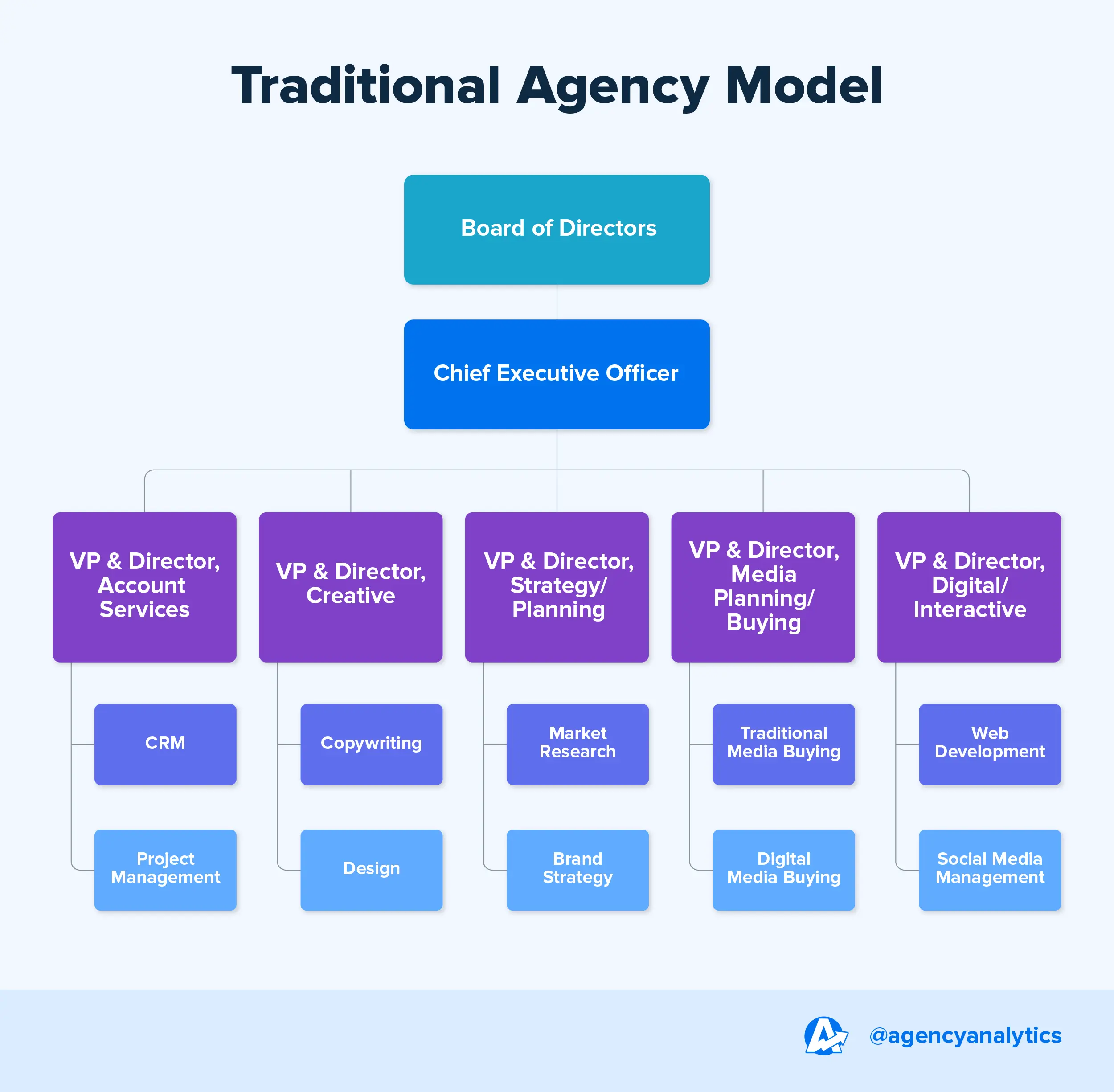
Ending Agency Chaos: Building a Client-Based Project System in 1 Week
As agencies grow and add new brands to their portfolios, operational chaos becomes an almost inevitable law of nature. In the beginning, tasks managed within a boutique structure by a core team of a few people can easily be tracked through verbal communication or simple notes. However, when the number of clients reaches double digits and the team expands, processes begin to scatter uncontrollably. Files get lost in the depths of Google Drive folders, critical tasks vanish in the flow of Slack channels, and client requests are often forgotten inside a WhatsApp message received late in the evening.
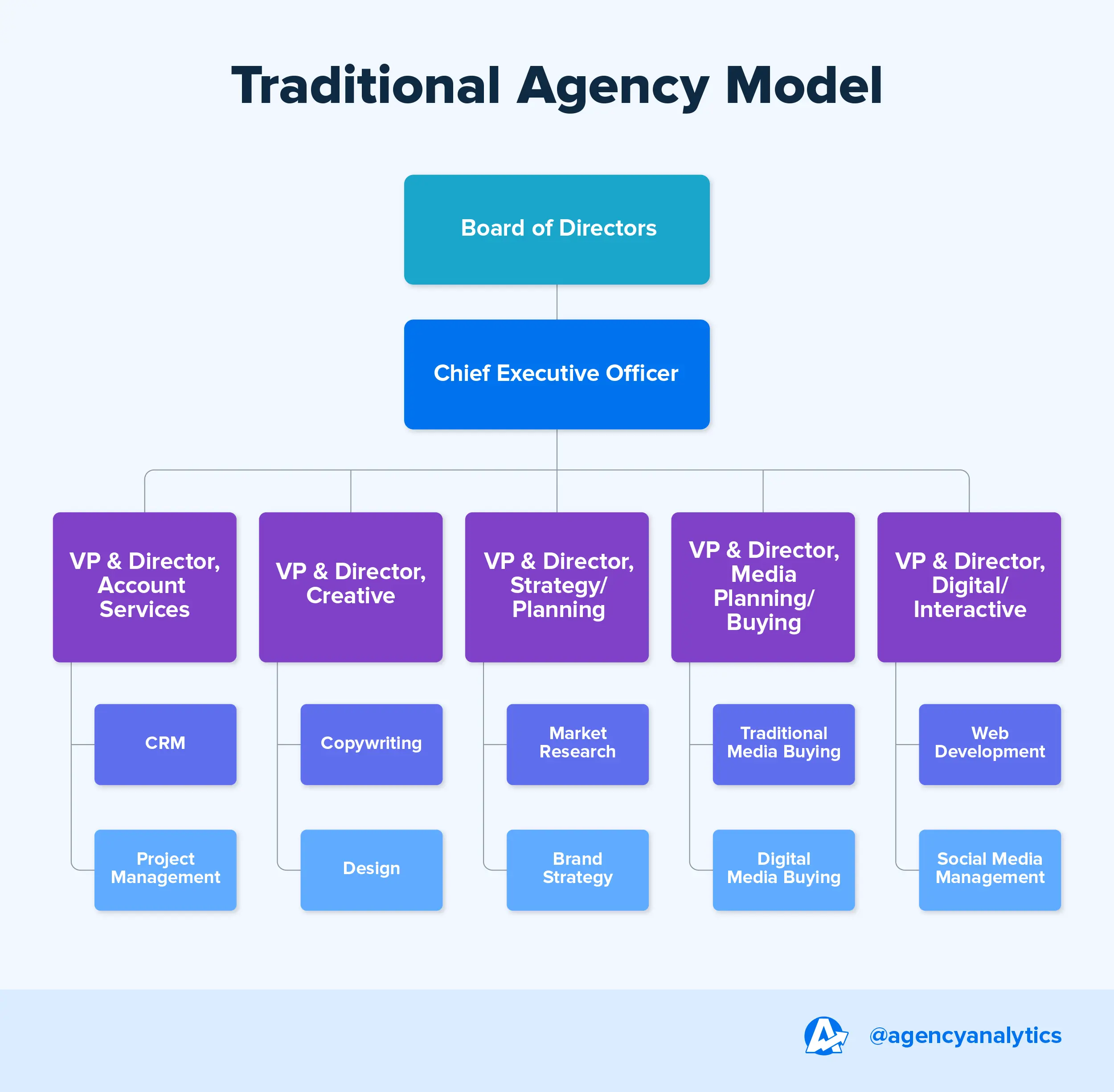
Soon, a vicious cycle begins where the same productivity-sapping questions are asked repeatedly: "Which client did this revision belong to?", "What stage is the campaign in right now?", "Who is responsible for this creative design?", or most critically, "Was the deadline today?". The emergence of these questions points to one fundamental problem: Unstructured Project Management. When an agency operation grows without moving within a clear hierarchy and system, visibility is lost, errors increase, and team efficiency drops dramatically. The most practical and permanent solution to this chaotic problem is establishing a client-based project structure.
The Core Hierarchy of Agency Operations
A well-functioning, scalable, and sustainable agency project system should be based on a very lean logic. Instead of complex software or confusing methodologies, a hierarchy that every team member can understand in seconds should be established:
Client → Project → Task (Node)
Thanks to this structure, all operational atoms in the agency are organized within a single hierarchy. Every task is strictly linked to a project, and every project to a client. Thus, the entire operation of the agency can be seen from a single panel with a "bird's-eye" vision. In this system, there is no room for "ownerless tasks" or "requests of unknown origin."
The Most Common and Efficient Project Structure
Since many agencies provide integrated marketing services, the project structure is usually organized according to service lines. An example architectural structure is as follows:
Client A
Website Project: Design → Development → Launch Prep.
Ad Management: Campaign Setup → Creative Optimization → Reporting.
Content Production: Social Media Plan → Blog Writing → Video Production.
This structure provides three strategic advantages: all work is assigned to a client, the pipeline stage of projects is clearly visible, and team members track who is doing what without losing "context." Moreover, setting up this system doesn't take months; with the right discipline, it is possible to transition the entire agency operation to this structure in just 1 week.
1-Week Roadmap to Build an Agency Project System
Day 1: Create the Strategic Client List
The first step is to gather the agency's scattered client portfolio into a central "Single Source of Truth." Create a main category or folder for each client. To keep the process manageable, starting only with active and billed clients increases the adaptation speed.
Day 2: Define Project Categories for Each Client
Agencies usually serve a brand in multiple disciplines. Separate project titles should be opened under each client based on the service type (SEO, Performance Marketing, Graphic Design, etc.). This allows the team to focus according to their areas of expertise.
Day 3: Break Projects into Atomic Tasks (Nodes)
Projects are large and abstract (e.g., "Website Construction"). Divide each project into small, clear task steps that can be "checked off." Use concrete steps like "Wireframe Preparation" or "UI Design" instead of just "Website." This allows you to see what percentage of the project is finished.
Day 4: Accountability and Deadline Management
A task list without an owner and a due date is just a "wish list." Assign two critical pieces of information to every task: the responsible team member and a firm deadline. This cuts off all internal "Who had this task?" inquiries.
Day 5: Integrate Files and Reference Links
File chaos is a silent killer of productivity. Attach relevant Google Drive links, brief documents, and raw design files directly into each task. This way, the person taking over the job doesn't have to scan through past messages.
Day 6: Standardize the Status Flow
A simple status system is essential to take an instant snapshot of projects. Stages like "To-Do," "In Progress," "Waiting for Client," and "Done" act as traffic lights. The "Waiting for Client" status is the most important data proving whether a delay stems from the agency or the client.
Day 7: Operational Rhythm and Control Routine
Organize a 15-20 minute "Operational Check-up" meeting with the whole team. This routine is vital for understanding the reasons for delayed tasks, processing new requests, and planning the next week's capacity.
3 Major Benefits Provided to Agencies
Operational Transparency: Instead of tasks lost on the dusty shelves of messaging apps, a traceable digital memory is formed. The owner can see the "production capacity" without asking anyone.
Team Coordination and Motivation: When everyone knows their area of responsibility, the noise in internal communication decreases. Eliminating "What was I supposed to do?" ambiguity increases employee engagement.
Client Trust and Professionalism: Providing data-driven answers like "Design is finished, we are currently 60% through the frontend stage" strengthens the agency's professional image and builds long-term loyalty.
Conclusion and Action Plan
The real cause of operational chaos in agencies is not the workload, but unstructured project management. A system built on the Client → Project → Task hierarchy not only organizes work but also increases the agency's profitability and growth rate. Remember; a well-planned system yields more efficiency than even the most talented employee.



