Article
Agency Excellence: Project Management & Profitability with Alios
Master agency operations. Learn to use Alios for portfolio visibility, async workflows, and scope creep management to ensure high profitability and client satisfaction.
Agency Operational Excellence: Project Management, Async Work, and Profitability (Alios)
Managing a modern agency requires far more than just generating creative ideas. The speed and multifaceted nature of the digital age have brought along significant operational complexity. Serving dozens of different clients simultaneously, coordinating remote teams, and adapting to ever-shrinking deadlines is only possible with a systematic infrastructure. While many agencies separate their operations into three distinct compartments—project management, internal communication, and client relations—these areas are actually parts of a single, self-sustaining ecosystem. In this guide, we will examine how an agency can scale using project-based document organization and asynchronous work principles.
1. Multi-Project Management and Portfolio Visibility
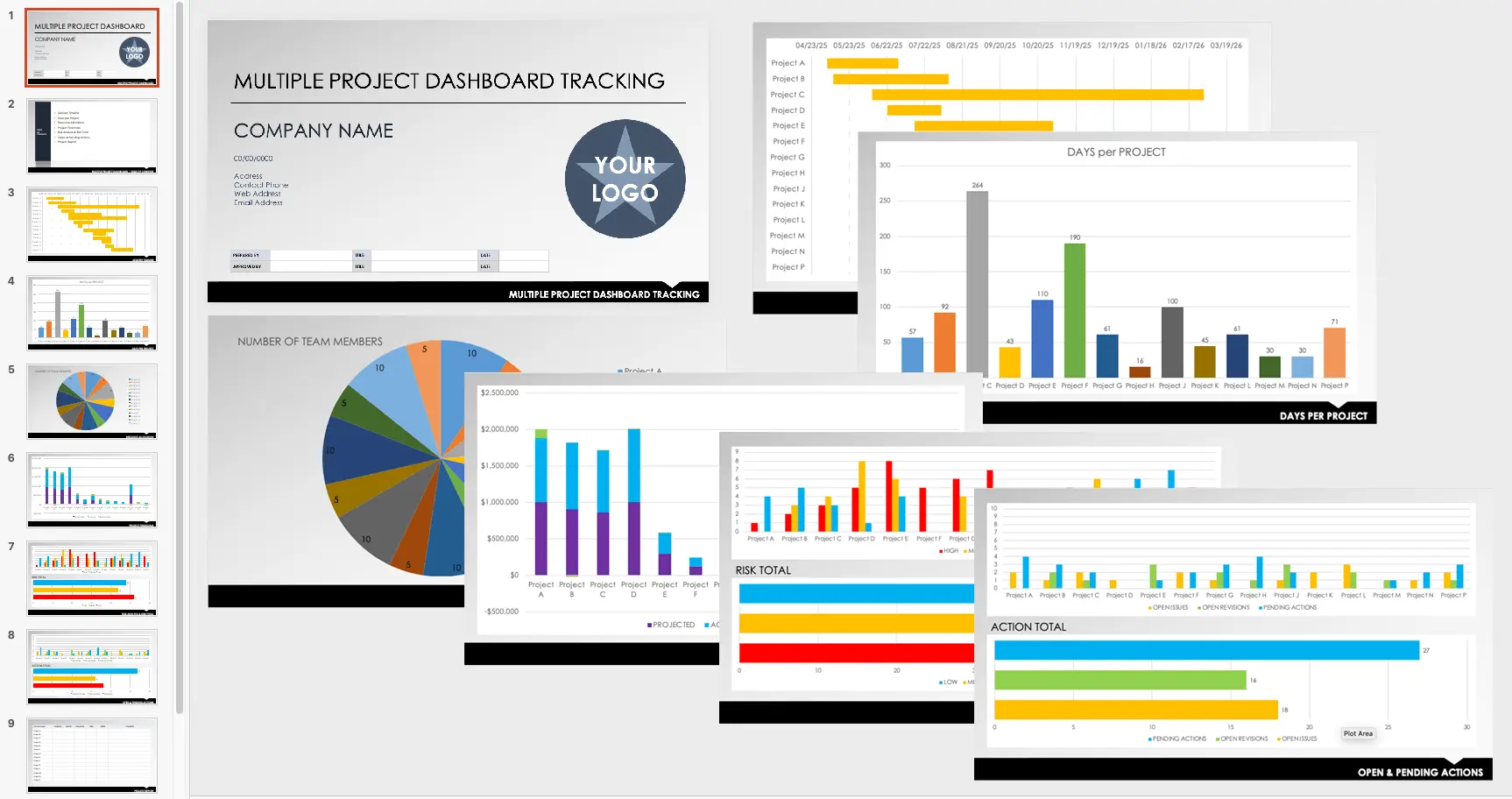
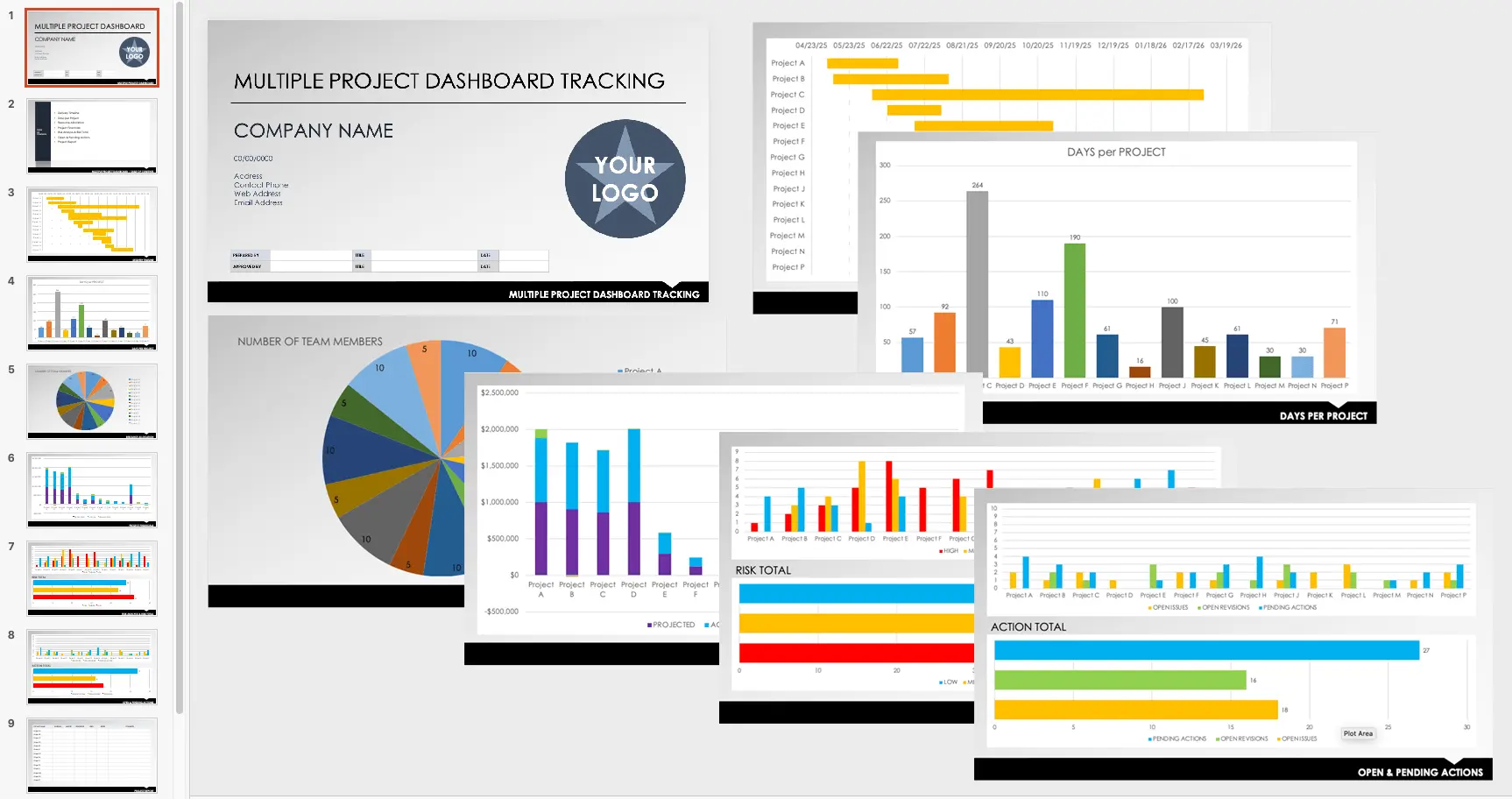
The biggest challenge for agencies is the inability to see in real-time how resources (people and time) are distributed across multiple projects. When portfolio visibility is lacking, it is impossible to understand which project is at risk of delay or which team is suffering from overload. In an agency's daily operations, the answers to these questions are vital: "Which project is profitable right now?", "Which team member is working above capacity?", and "Where are the client approval processes stuck?"
Hierarchical Management with Alios Project Trees
Alios solves this chaos with the Project Tree structure, allowing the agency to view its entire operation in the following hierarchy:
Client Level: All portfolios are listed by client, providing a strategic overview.
Project Level: Different projects like social media, web, or ads under each client are segregated.
Task (Node) Level: Specific "nodes" within projects are tracked.
Case Study: An agency manager can filter projects labeled "In Revision" on the Alios dashboard to identify which clients are stalling the approval process, allowing for immediate intervention in bottlenecks affecting cash flow.
2. Async Work: Escaping the Messaging Chaos
For remote and distributed teams, running a business over Slack or WhatsApp may seem fast in the short term but creates an "information graveyard" in the long run. The asynchronous work model allows the workflow to move through the system without requiring everyone to be online simultaneously. The most common mistake in agencies is confusing "communication" with "work." Talking a lot does not mean a lot of work is being done; in fact, it is often an obstacle.
The "Single Source of Truth" Approach
In Alios, communication happens on the task itself (the node), not in message windows.
End Messaging Dependency: A designer doesn't need to answer "Is the logo done?" Simply changing the node status to "Done" informs everyone.
Documentation Power: All revision notes and file links are stored in the node description. Months later, the answer to "Which version was finally approved?" is ready in the system.
3. Scope Creep and Profitability Management
The greatest enemy of agency profitability is uncontrolled growth that starts with the question, "Can we just add one more little thing?" Without systematic record-keeping, these extra requests steal the agency's time but are not reflected in the budget. Scope Creep management is the most important process for protecting an agency's financial health.
Controlling Scope and Approval Processes
Node Capture: Every new request from a client is opened as a node in Alios. Excuses like "It came via email" or "It was written on WhatsApp" are eliminated.
Approval Mechanism: Not every request goes straight to production; it first passes through an approval process to analyze whether it requires an additional budget or time.
Change Log: All scope changes are recorded. This forms the basis of a transparent report presented to the client at the end of the project, providing data-driven answers to "Why did we work this much?"
4. Project-Based Document Order and Checklist Culture
Scattering files across Google Drive, Figma, WhatsApp, and emails is a serious productivity loss. The solution is to keep reference links within the project management system, regardless of where the files are stored.
Speed Up with Standard Work Trees and Templates
Cloneable templates (work trees) created within Alios prevent reinventing the wheel with every new project.
Process Standardization: For a social media campaign; steps like Brief -> Content -> Design -> Ad Setup -> Launch are pre-defined.
Fast Onboarding: A new employee learns the agency's way of working in seconds through ready-made templates and checklists.
5. FAQ: Scaling with Systems
Q: How does this system affect client satisfaction? A: Satisfaction is provided by "good process management," not just "good design." Clients feel in control when they see transparent reports on Alios regarding delay reasons, revision counts, and completed tasks.
Q: Is it hard to migrate a "chat-heavy" team to Alios? A: It takes a week of discipline. Once the team realizes they aren't being interrupted every 5 minutes and can actually finish their creative work, they never want to go back to the chat chaos.
6. Conclusion: Visibility, Order, and Sustainable Success
When we think of agency operations as a single visual composition; Portfolio Visibility sits on the left, Async Workflow in the center, and Client Satisfaction as the natural result on the right. Using systematic tools like Alios reduces delays, shortens revision cycles, and makes delivery times predictable. Ultimately, team members spend their time focusing on creative work that truly adds value, rather than searching for files in messaging apps. If you want to grow your agency, stop managing the communication—start managing the work.



