Article
AEC Software Guide: 12 Critical Questions & Alios Solutions
Choosing AEC Software: 12 key questions on workflow, versioning, and coordination. Alios answers with Node-based logic, designed specifically for architectural offices.
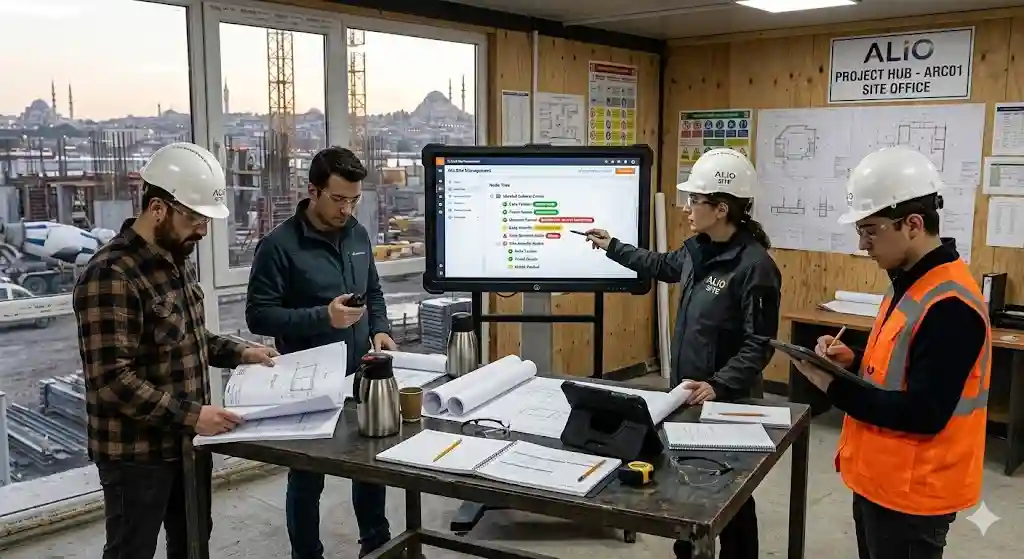
12 Questions Architecture Firms Ask When Choosing Project Management Software
Architecture is a sector where aesthetic vision meets technical discipline, making it one of the most difficult to manage operationally. Choosing a software is not just buying a tool; it’s determining your office’s "operating system." While general tools like Trello or Monday exist, architectural needs are highly specific.
Here are the 12 critical questions every modern firm must ask, and how Alios answers them.
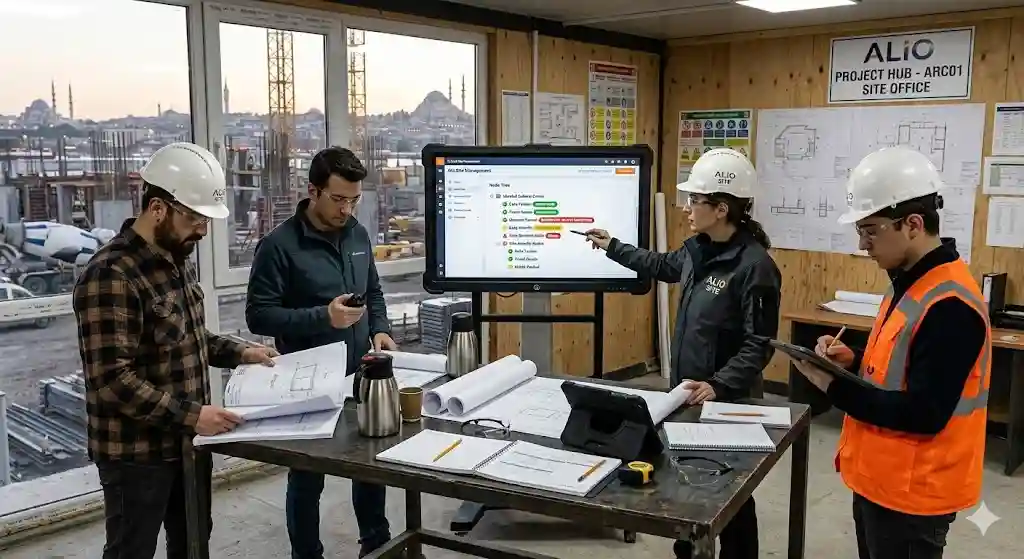
1. Does the software fit the AEC workflow?
General tools use simple lists. Architecture is a nested tree.
Alios Difference: Alios uses a Node Tree structure. You can see the entire hierarchy of a building, from basement to roof, synchronized with the workflow.
2. Ease of Use: Will my team actually use it?
If it's too complex, teams revert to WhatsApp and Excel.
Alios Difference: Designed for "Full control on one screen." Training is measured in minutes, not hours.
3. Team Visibility: Can I see who is doing what instantly?
Managing capacity is a major fear for owners.
Alios Difference: The dashboard offers real-time Workload Analysis. See which architect has how many "Nodes" and who is at risk of missing a deadline.
4. How are Revisions and Versioning handled?
File naming chaos (e.g., Final_v2_v3) kills productivity.
Alios Difference: Every Node manages its own versions. New uploads automatically archive the old. The most current file is always at the forefront.
5. Is Interdisciplinary Coordination possible?
Structural, mechanical, and architectural teams must speak the same language.
Alios Difference: Role-based access allows external consultants into the system. If the architecture changes, the structural engineer gets an automatic "Reference Updated" alert.
6. Reporting: Can I measure profitability and progress?
"Perceived progress" is often different from "real progress."
Alios Difference: Alios generates data-driven reports on approval durations, revision frequency, and deadline compliance.
7. Pricing Model: Are there hidden costs?
Per-user licensing can strain budgets as you grow.
Alios Difference: Flexible, "pay-as-you-grow" or project-based pricing ensures a high ROI without burdening the office's finances.
8. Mobile Access: What happens on-site?
Designs are made in the office but live on the construction site.
Alios Difference: Cloud-based and mobile-ready. A site engineer can open an RFI with a photo that lands on the architect's screen in seconds.
9. How are Client Approvals managed?
WhatsApp messages cannot be official project records.
Alios Difference: An integrated Approval Mechanism creates a "Decision Log," preventing future disputes with clients.
10. Technical Support and Security?
Your drawings are your capital.
Alios Difference: Data is encrypted with AES-256. Local support teams and dedicated Success Managers ensure your workflow stays smooth.
11. Integration with Design Tools (AutoCAD, Revit, etc.)?
Does the software support your deliverables?
Alios Difference: Alios is the management hub for your outputs. Link DWG, PDF, or RVT files to Nodes as "Smart Objects."
12. Is it Future-Ready? (Scalability)
Can it grow from a 3-person boutique to a 30-person firm?
Alios Difference: Whether managing a small house or a massive engineering project, the Node architecture simplifies complexity as you scale.
Conclusion: Why Choose Alios?
General tools tell you what to do; Alios understands how it's done. If these 12 answers resonate with your needs, you are ready for a digital transformation with Alios.



