Article
AEC Document Sync: Ending File Chaos with Alios Nodes
AEC Document Tracking: Stop the version chaos. Alios uses Node-based versioning and automatic alerts to ensure everyone uses the latest drawings, on-site or in the office
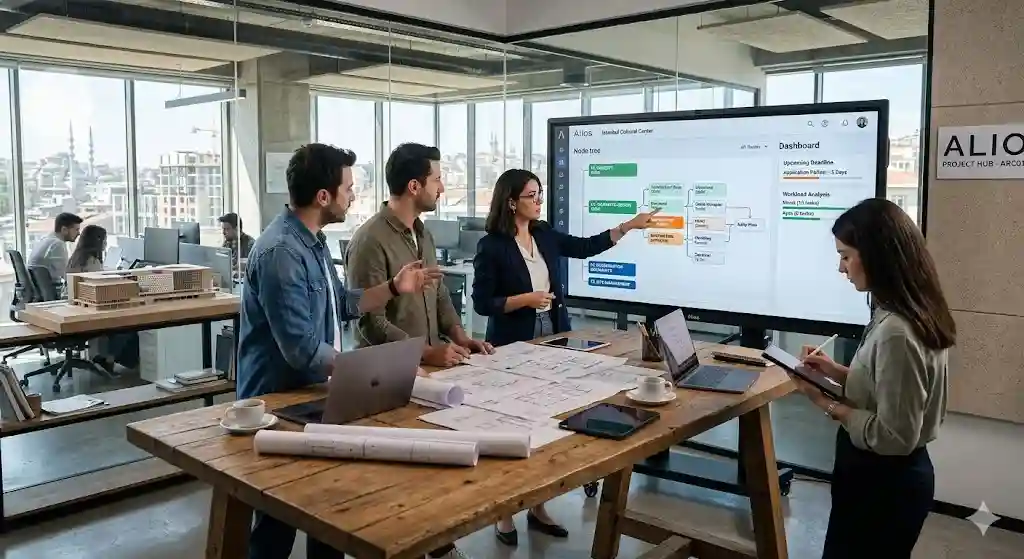
Engineering Document & Drawing Tracking: 5 Ways to Reduce File Chaos
Engineering projects are massive piles of data consisting of thousands of drawings, reports, and site logs. If not managed correctly, this data becomes a weight that sinks the project. On average, an engineer spends 20% of their time searching for the latest files or correcting work done on wrong versions.
File chaos is a risk management issue. Using the wrong sheet on-site results in millions in rework costs and legal liabilities. Here are 5 professional ways to end this chaos with Alios:
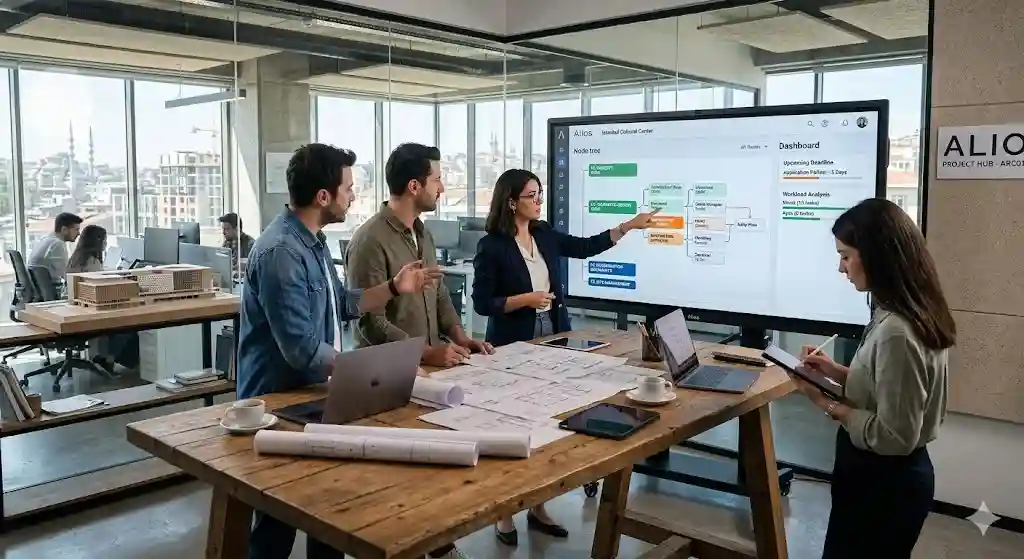
1. From Folder Hierarchy to "Node-Based" Structure
Traditional folders (e.g., Project > Architecture > Revisions) are passive and fail to tell the story of a file.
The Alios Solution: Files belong to Nodes, not folders. An "Axis Plan" is a node. You can upload 10 versions, but the system always presents the "Latest Version" as the primary view.
2. Ending "Final_v2_RealFinal" Labels: Smart Versioning
Tracking versions via file names is a ticking time bomb. It breaks the Single Source of Truth principle.
The Alios Solution: Alios tracks the sequence of uploads within a node. New uploads automatically archive old files as "V1" and publish the new one as "V2," complete with a User Timestamp.
3. Safe Access: Ending "Can you send me the file?" Risks
Sending files via email or WhatsApp is a major security and quality gap.
The Alios Solution: You don't send files; you grant access. Stakeholders log in to their Alios portal to see only the current sheets you’ve permitted. When you update a file, the shared link updates automatically.
4. Interdisciplinary Coordination & Reference Tracking
When the architectural set changes, structural and MEP sets must follow.
The Alios Solution: Relational Tracking. When an architectural node is updated, Alios sends an automatic alert to all dependent engineering nodes: "Reference Document Updated, Please Review!"
5. Cloud Security and On-Site Access
Locking documents in an office server leaves site engineers working blind.
The Alios Solution: Mobile-Ready Document Pool. Site managers can open Alios on a tablet, access the relevant node, and view the latest application project instantly. Your project memory is safe from server crashes or ransomware.
Conclusion: Manage the Project, Not the Data
Alios makes document management a natural part of your workflow. Stop drowning in revisions and start spending your engineering energy on creating solutions.



