Article
10-Minute Client Reports: Weekly Status Guide with Alios
Stop the Friday reporting nightmare. Learn how to use Alios filters to generate data-driven weekly status reports that prove your agency's value in just 10 minutes.
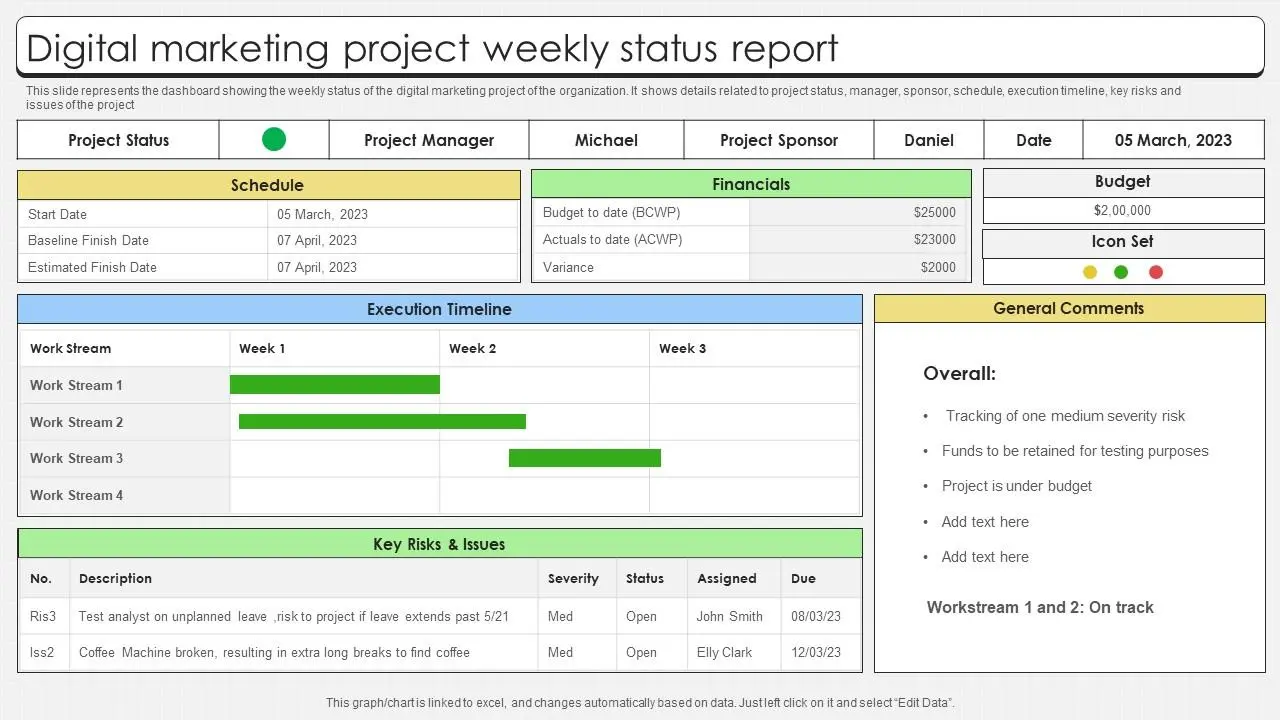
10-Minute Client Reports: Data-Driven Weekly Status with Alios
In the digital agency ecosystem, "Service Quality" is only as powerful as how it is proven to the client. An agency could run the most creative campaign in the world, but if the client is unaware of the process or if the reports are confusing, the agency's perceived value drops rapidly. Reporting is often a painful, time-consuming chore that turns Fridays into a nightmare of manual data collection.
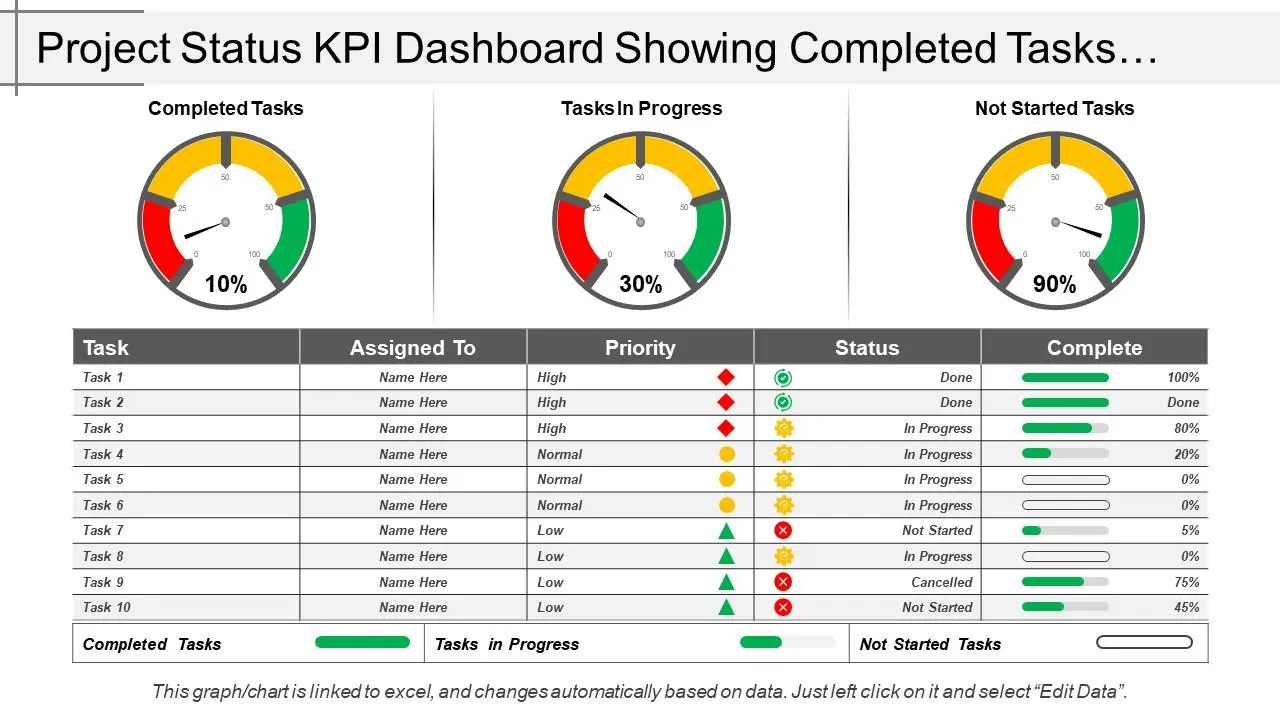
The root cause of this inefficiency is fragmented information—tasks scattered across emails, WhatsApp, and spreadsheets. When data is disjointed, 80% of the reporting effort goes into "collecting info" and only 20% into "analysis." Alios flips this ratio, giving agencies the luxury of presenting reports rather than building them from scratch.
1. The Hidden Cost of Traditional Reporting
Most agencies view the hours spent on reports as "part of the job." However, the numbers tell a different story:
Data Fragmentation: If design and performance teams use different tools, the account manager must knock on every door to gather updates.
Manual Interruption: Asking team members "What did you do this week?" causes massive Context Switching for everyone involved.
Format Inconsistency: Without a standard, the client sees a different visual language every week, which hurts professional credibility.
Human Error: Manual copy-pasting leads to wrong numbers or outdated task statuses.
In an Alios-powered agency, these problems disappear. Because tasks, owners, and statuses flow live at the heart of the system, a report is simply a "snapshot" of that existing flow.
2. Anatomy of an Ideal Weekly Status Report
Clients don't want 50 pages of complex charts; they want to see how their time and money were invested. An effective report stands on four pillars:
A. The Wins (Completed Tasks): Tells the client "This is what we achieved." Highlight the highest-value items first.
B. The Pipeline (In Progress): Shows what the team is currently tackling. It eliminates the "Are they actually working?" doubt.
C. The Obstacles (Risks & Blockers): The most critical section. If a project is at risk, state why. This often includes "Waiting for Client Feedback," gently shifting the ball back to their court.
D. The Roadmap (Next Steps): Proves the agency is proactive and has already planned the next move.
3. Turning Alios Filters into Report Data
In Alios, you don't "collect" data; you simply filter it. Here are the techniques to fill your report sections in seconds:
Report SectionAlios Filter CombinationStrategic BenefitCompletedStatus: Completed + Finish Date: This WeekLists tangible achievements.Active ProcessesStatus: In Progress + Project: [Client Name]Provides operational transparency.At-Risk TasksStatus: Overdue or Label: High PriorityManages potential crises early.Awaiting ApprovalStatus: Waiting ApprovalInvites the client to take action.
4. Step-by-Step: The 10-Minute Reporting Workflow
When you turn this into a routine, it won't take more than 10 minutes on a Friday afternoon:
Select the Client Node: Open the specific client's Project Tree in Alios.
Audit Statuses: Quickly scan the "Completed" tasks your team updated throughout the week.
Draft the Summary: Write a 3-4 sentence Executive Summary using the filtered data.
Highlight Blockers: Put tasks stalled by the client (e.g., "Waiting for Brief") at the very top.
Share or Archive: Export the summary or simply create a Node named "Weekly Reports" within Alios to keep everything in one place.
5. FAQ: Strategic Reporting Tips
Q: Should I send a report every week?
A: Yes. Even a small progress update sends the message: "You are not forgotten; your project is in safe hands."
Q: Can Alios automate this?
A: If you add the client as a "Watcher" to a specific reporting node, they can receive notifications on updates, reducing your manual workload by 90%.
Q: What if the report is too long?
A: Most clients only read the summary. Keep the most important info (Wins and Risks) at the very top.
6. Conclusion: Reporting is a Sales Tool, Not a Burden
Reporting takes too long in agencies because of scattered tools and a lack of standards. When using a centralized system like Alios, the operation itself becomes a natural source of data.
Remember: A good report doesn't just explain the past; it secures the future. An agency that finishes its reports in 10 minutes can use the remaining 50 minutes to generate new ideas for the client. This transforms the agency from a "vendor" into a strategic partner.



