Article
Project Delay Early Warning: Act on 5 Indicators
Delays are usually spotted far too late. Set up a project delay early warning system in Alios to catch blocked steps and missed deadlines before they escalate.

Project Delay Early Warning: Act on 5 Indicators

Most project delays don't happen all at once. The signals are already there a week before — nobody is looking, or there's no system to look with.
When delivery day arrives and someone says "actually, we've been stuck for two weeks," that's not a communication problem. It's a visibility problem. Managing a delay after it happens is both costly and stressful. Catching it before it forms requires looking at the right indicators.
Why Delays Get Noticed Late
There are a few common patterns behind why delays go undetected in startups.
Status updates are reactive. Unless someone asks, nobody says "this work is going to be late." Everyone is heads-down on their own tasks, and nobody is actively watching the overall picture.
Tasks look independent. How one step's delay affects the next isn't visible. The backend can't finish before the frontend starts, but that dependency isn't recorded anywhere.
Deadlines live in people's heads. "This needs to be done by Friday" gets said in a meeting, but it never lands in the system as an actual date. Friday arrives and the question comes: "wasn't this supposed to be finished?"
Risks don't get voiced. A team member is blocked, waiting on an external dependency, or at capacity — but doesn't say so unprompted. Because there's no standard channel for raising these things.
How to Build Early Warning Visibility in Alios
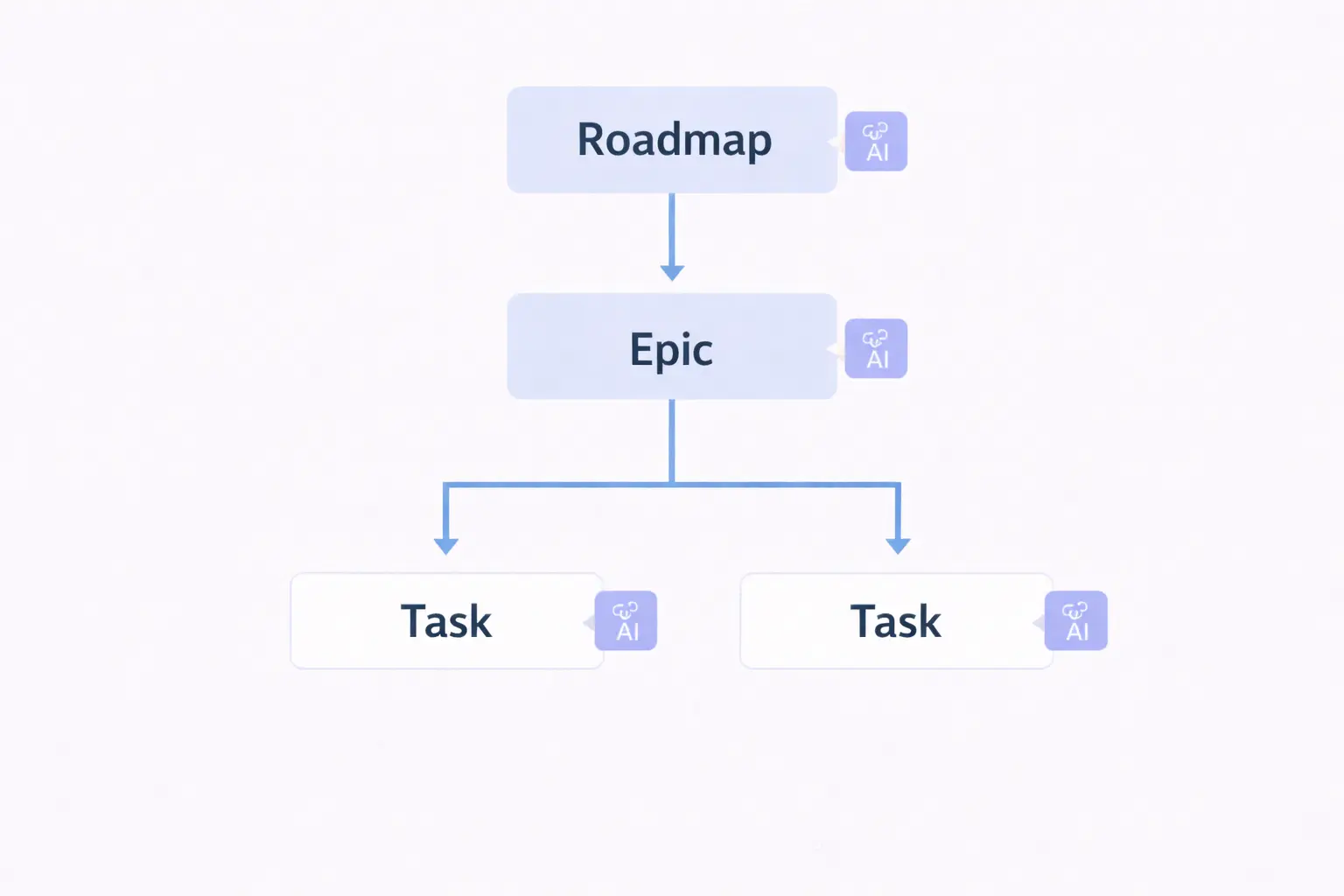
Setting up a project delay early warning system in Alios doesn't require a separate tool. When node structure, status and priority fields, descriptions, and dates are used together, delays start signaling before they form.
Here are the five indicators to watch:
1. Nodes That Have Been "In Progress" for Too Long
When a node moves to "In Progress" status and then sits motionless beyond its expected duration, that's the first warning signal. The task isn't completing, but why it isn't completing is also invisible.
Build a weekly filter habit in Alios: look at nodes currently marked "In Progress." If there's been no movement for more than five days, check that node's description — is there a blocker? Has the owner written an update?
If not, ask directly. The answer is usually "actually I got stuck, I just didn't say anything."
2. Nodes That Are Past Their Deadline but Still Open
Nodes with a date that's already passed and still not completed are the clearest delay signal. But for this signal to fire, dates need to have been entered on the nodes in the first place.
Once adding a deadline to every node becomes standard in Alios, this list becomes automatically meaningful. Looking at the "nodes with a deadline this week" filter at the start of the week means no surprises by midweek.
3. High-Priority Tasks with Zero Progress
Nodes marked Critical or High priority that haven't changed status in days are carrying silent risk. These tasks are considered "important" but are effectively on nobody's agenda.
Run a "high priority + to do" filter once a week. If the list is long and looks the same as last week, prioritization is only happening on paper.
4. Nodes with Empty or Vague Descriptions
If a node's description is blank — what to do, why to do it, and what it depends on are all missing — that task is a delay candidate. Because the owner isn't sure what to do, or the context is missing.
Reviewing node descriptions regularly serves as both quality control and an early warning function. Vague nodes can't be completed before they're clarified.
5. The First Link in a Chain Dependency That's Stuck
Some tasks wait on others. Design can't finish until development starts; development can't finish until testing starts. When the first link in that chain stalls, the whole chain stops — but this usually gets noticed late.
In Alios, connect dependent nodes by referencing them in the description field. A note like "This node cannot start until [Node X] is complete" makes it visible exactly where the chain is stuck.
Weekly Early Warning Routine
Tracking all five indicators separately can feel like overhead. But a 15-minute weekly routine that covers all of them is enough:
⏱️ MONDAY MORNING — 15 MINUTES

1. Nodes with a deadline this week → list them
2. "In Progress" nodes carrying over from last week → review
3. High-priority but motionless nodes → ask the owner
4. Nodes with empty or vague descriptions → clarify
5. Has the first link in each chain dependency finished? → check
Once this routine settles in, delay news arrives "three days before delivery" instead of "on delivery day." The difference is significant.
Final Thought
Eliminating delays entirely isn't possible. But the cost of noticing them too late can be dramatically reduced.
Setting up a project delay early warning system in Alios doesn't require a separate dashboard or a complex configuration. When node statuses, dates, and descriptions are used consistently, the system already starts signaling. All that's left is to check those signals regularly.