Article
Customer Feedback Tracking: Manage Feature Requests
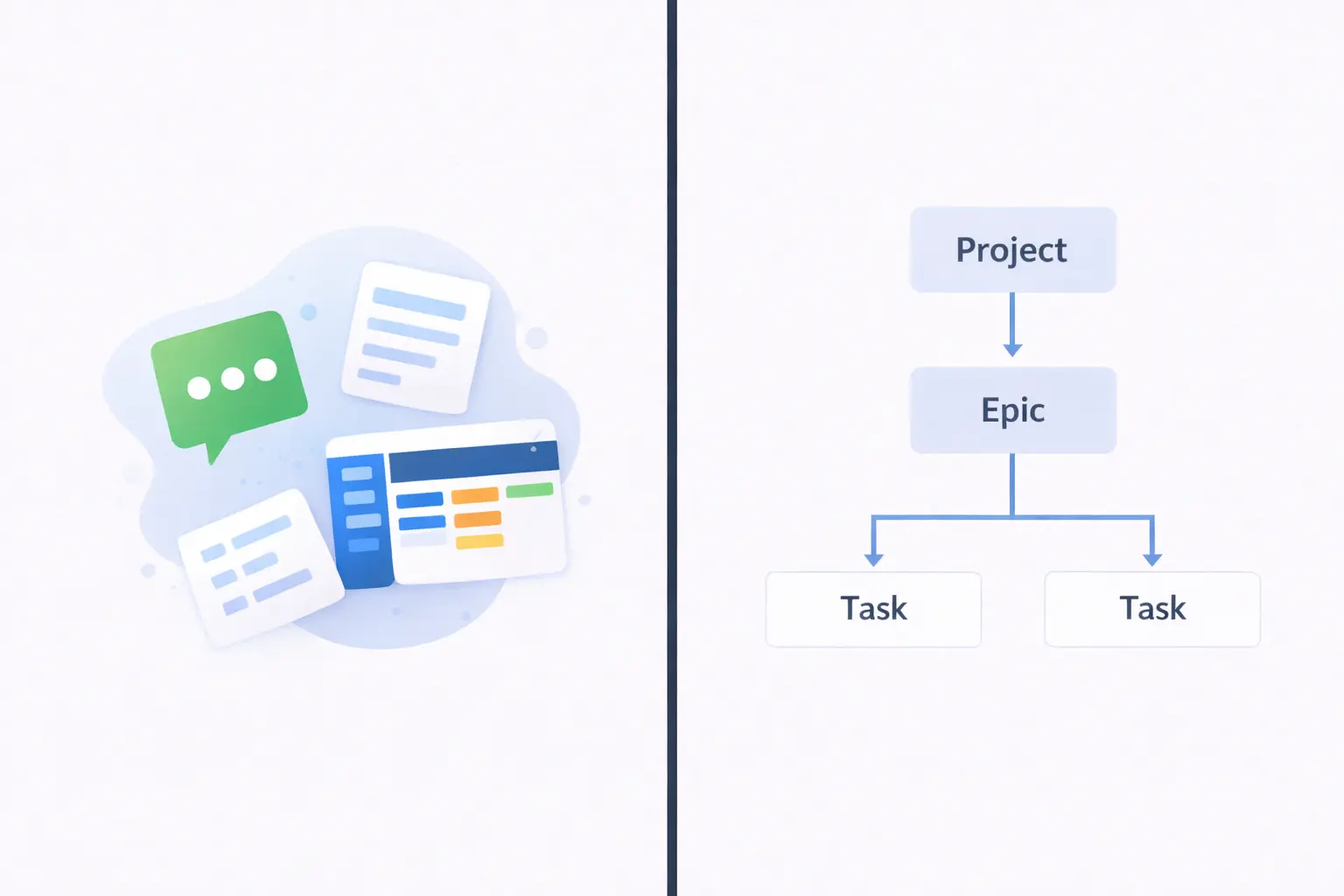
Customer feedback scattered across Slack, email, and notes disappears fast. Learn how to set up customer feedback tracking in Alios using nodes and statuses.

Customer Feedback Tracking: Manage Feature Requests

During a demo, a customer says "it would be great if this feature existed." The sales rep takes a note. The meeting ends, the note goes to Slack. The product team sees the message and reacts with an emoji. At the next sprint planning, nobody remembers that message.
Three months later, the same customer brings up the same request again. "I mentioned this before," they say. They're right.
When customer feedback tracking isn't in place, it's not just a feature request that gets lost. What gets lost is the customer's sense of "they're actually listening to me."
Why Feedback Gets Scattered
Feedback usually comes through more than one channel: customer interviews, support tickets, post-demo emails, NPS comments, sales notes. Each channel is a separate place. None of them are connected to each other.
Even when feedback is collected, it usually sits in an unstructured state. A note like "the reporting module should be better" is meaningless on its own. How many customers asked for it? From which segment? Does it align with the current roadmap? Without answers to these questions, feedback can't be prioritized.
There's also the "what happened?" problem. A customer submitted a request and doesn't know what was done with it. Was it followed up on? Did it go into the backlog? Was it rejected? This uncertainty erodes customer trust.
The Feedback Node Tracking Flow in Alios
In Alios, customer feedback tracking works by opening each piece of feedback as a separate node. The entire lifecycle of the feedback lives inside that node — from the moment it arrives to the moment it's closed.
Each feedback node carries the following information.
Title: A one-sentence summary of the feedback. Something like "Add CSV export to the reporting module" — not "reporting should be improved."
Description: What exactly did the customer say? In what context? Through which channel? The customer's own words, if they can be copied.
Source: Who said it, from which customer segment, on which date.
Status: Incoming feedback lives in one of five stages:
📥 New → not yet reviewed
🔍 Under Review → product team is evaluating
📋 Added to Backlog → approved, queued
🚧 In Development → active in sprint
✅ Completed → shipped, customer notified
❌ Rejected → reason for rejection is in the description
Owner: Who is tracking this feedback? The product manager, a developer, or the customer success team?
What Happens When Feedback Comes In?
1. A node is opened — title and description are written
2. Source info is added (customer name, channel, date)
3. Status is marked "New"
4. An owner is assigned
5. "New" nodes are reviewed in the weekly review
6. Each node is moved to "Under Review" or "Rejected"
Once this flow is established, no feedback stays in the dark. It doesn't get buried in a Slack message or forgotten in a notebook.
When Multiple Customers Want the Same Thing
When the same feature request comes from different customers, instead of opening a new node, a new source is added to the existing node's description:
📥 FEEDBACK: CSV Export — Reporting Module

Source 1: Customer A — Demo meeting — March 3
Source 2: Customer B — Support ticket — March 11
Source 3: Customer C — NPS comment — March 18

Total requests: 3 customers / 2 different segments
This accumulation makes product decisions data-driven. The answer to "why are we building this feature?" lives in the node.
Closing Criteria: When Does a Feedback Node Close?
To prevent feedback nodes from staying open indefinitely, each status transition needs clear criteria.
For a "Completed" close:
The feature has shipped
The customer was notified — a message was sent saying "the feature you requested is live"
If applicable, customer confirmation or reaction was added to the node
For a "Rejected" close:
Why it was rejected is written in the description — "didn't fit the roadmap," "technical cost too high," "not enough demand"
A brief note was sent to the customers who raised it — important for the relationship
The node was closed but not deleted — it may be useful as a reference later
For "Waiting in Backlog" — time limit:
Backlog nodes older than 90 days go back into review
Is it still valid? Has the priority changed? Should it be closed?
Without these criteria, the feedback list grows, nobody looks at it, and the system becomes useless.
Final Thought
Customer feedback tracking affects not just product decisions but customer relationships. Companies that collect feedback but don't follow up eventually push customers into "there's no point in saying anything" mode.
In Alios, opening every piece of feedback as a node, keeping its status current, and applying closing criteria — these three habits largely prevent customer feedback from disappearing. The customer says what they want, the team knows where things stand, and the process stays visible.